Hi @Andrew_Bradbury !
Every record in Grist has a unique record ID assigned upon creation. You can use this ID in formulas to create your own format for the ID. To reveal a record’s unique ID, you can use the formula $id like you see in the ID column in the screenshot below. This is automatically assigned upon record creation and cannot be changed. In the Risk ID column, I use $id in a formula to create a formatted version. The formula in the Risk ID column is f"R{rec.id:03}".
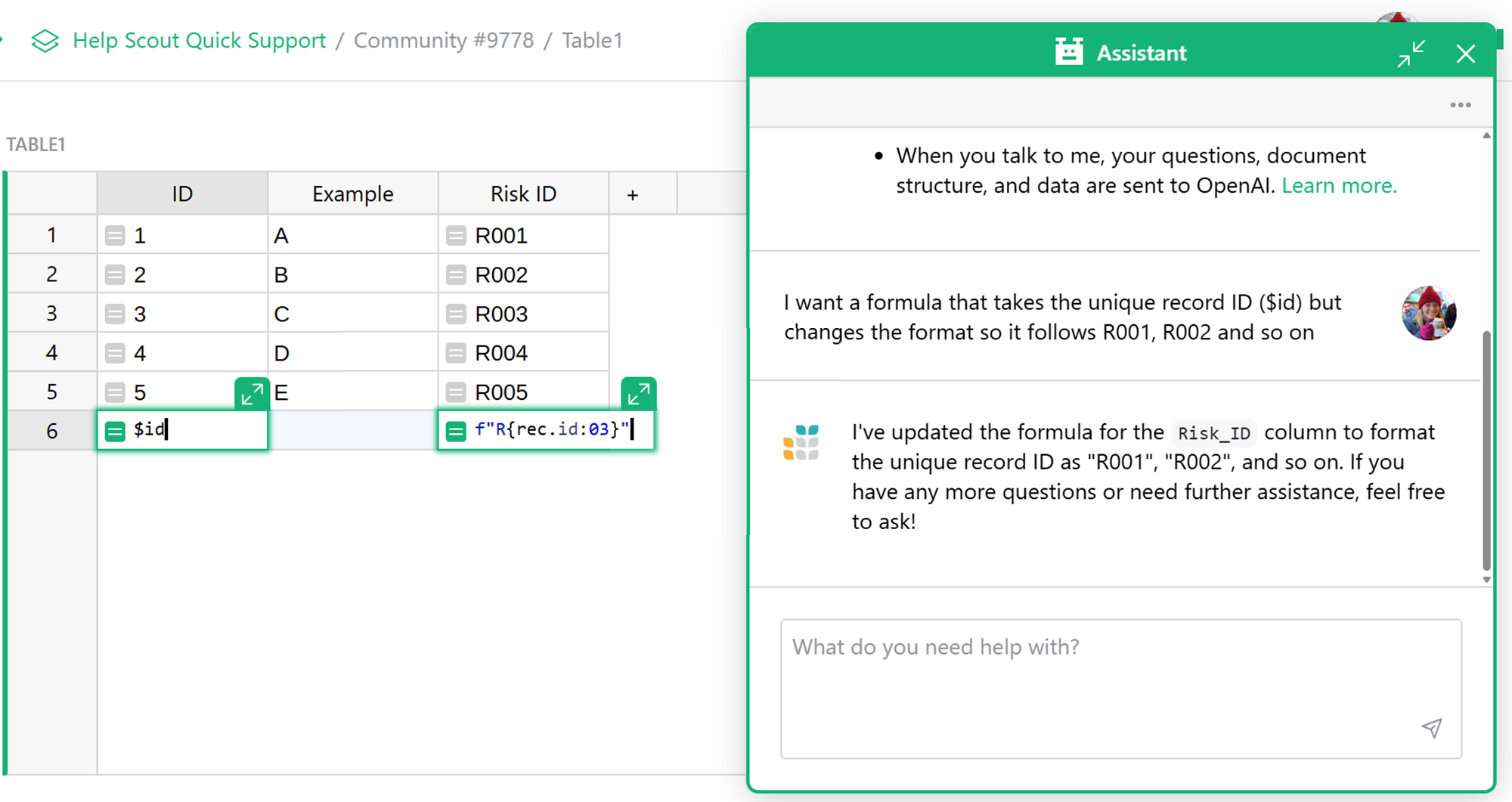
I asked the Assistant to write the formula but if you want to understand how to write this, there are a couple examples in our Formula Cheat Sheet that are useful here;
Thanks,
Natalie