Hi everyone 
Meet Gristcity, a free custom widget that draws a Grist table as an isometric 3D city.
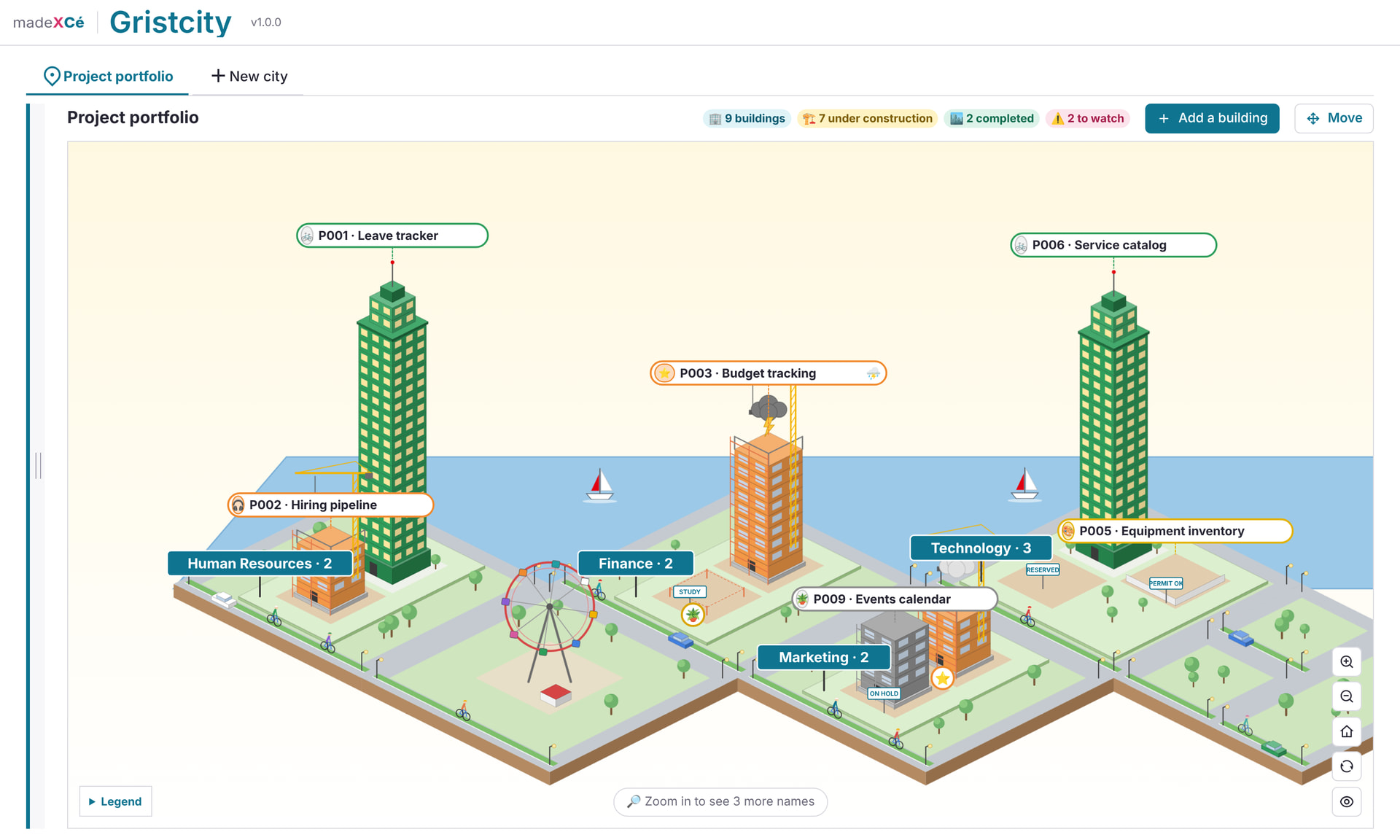
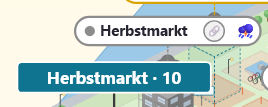
Each row becomes a building that rises through its stages: reserved lot, construction site, finished building, skyscraper… Districts group the buildings by any column you choose (department, owner, category). And the weather tells you what needs attention: clouds for what to watch, a storm for alerts, based on due dates or on rules you set on your columns.
Six worlds
Not everything is a building, so Gristcity comes in six worlds:
 City: buildings, for projects, requests, cases
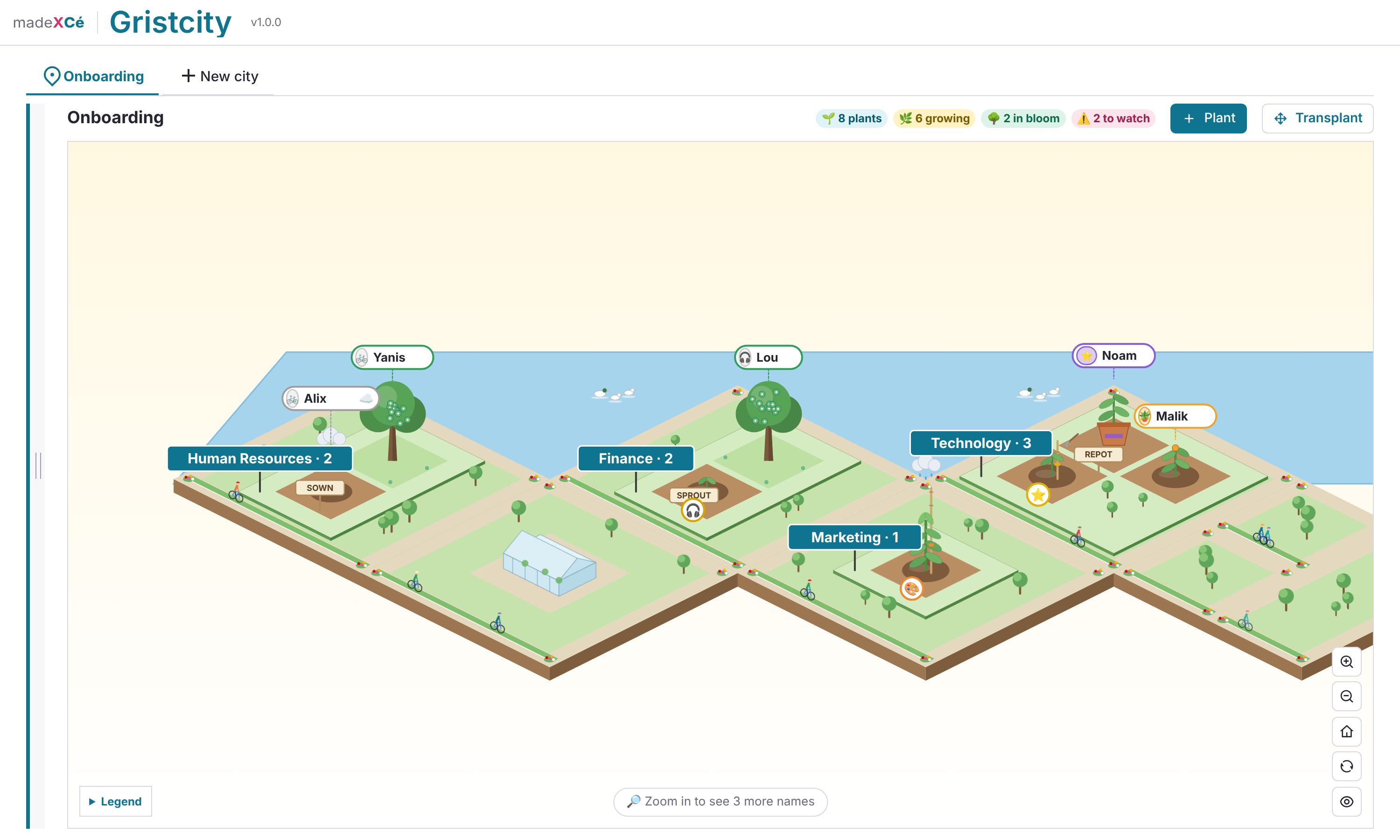
 Garden: plants, for onboarding, training, people’s journeys
 Garage: vehicles, for a fleet or equipment
 Airport: planes, for trips and visits
 Space base: rockets, for ideas and innovation
 Harbor: ships, for programs and partnerships
Setting it up
No code, nothing to prepare. A setup wizard guides you step by step, with a live preview of your city as you answer:
- No data yet? Start from one of ten ready-made templates (project portfolio, team workload, request tracking, application portfolio, org chart, vehicle fleet, business trips, innovation portfolio, partnership programs, onboarding). Gristcity creates the tables, with sample rows if you want them.
- Already have data? Gristcity looks at your tables and suggests ready-made cities, or you connect it to any table yourself. Your table’s structure is never changed.
Day to day
- Click a building to open its details and edit them, attachments included.
- Move mode: drag a building to another district and the matching column is updated.
- Search, filters, and a list view as an accessible alternative to the map.
- Several cities per document, as tabs.
- Dates, numbers and currency follow your document’s settings.
Install
- Add a Custom widget to a page.
- Choose Custom URL and paste:
https://cezionlyone.github.io/grist-widgets/en/gristcity/ - Under Access, choose Full document access.
Code and docs (MIT license): grist-widgets/en/gristcity at main · cezionlyone/grist-widgets · GitHub
Feedback, ideas and bug reports are very welcome!
made X Cé