Hello everyone 
A Grist Attachments cell does the basics well: a thumbnail for each picture, a paperclip to add files, and a double-click opens a larger view of that cell’s attachments, where each one can be renamed, downloaded or removed. For a few files in a few rows, that is plenty. But I keep meeting tables where the files are the point: inspection photos, contracts, receipts. I wanted all of them on one screen, searchable, and editable without a download and an upload in between. So I built File Studio, a free, open-source (MIT) custom widget.
Overview, 4 minutes (the sample data is made up):
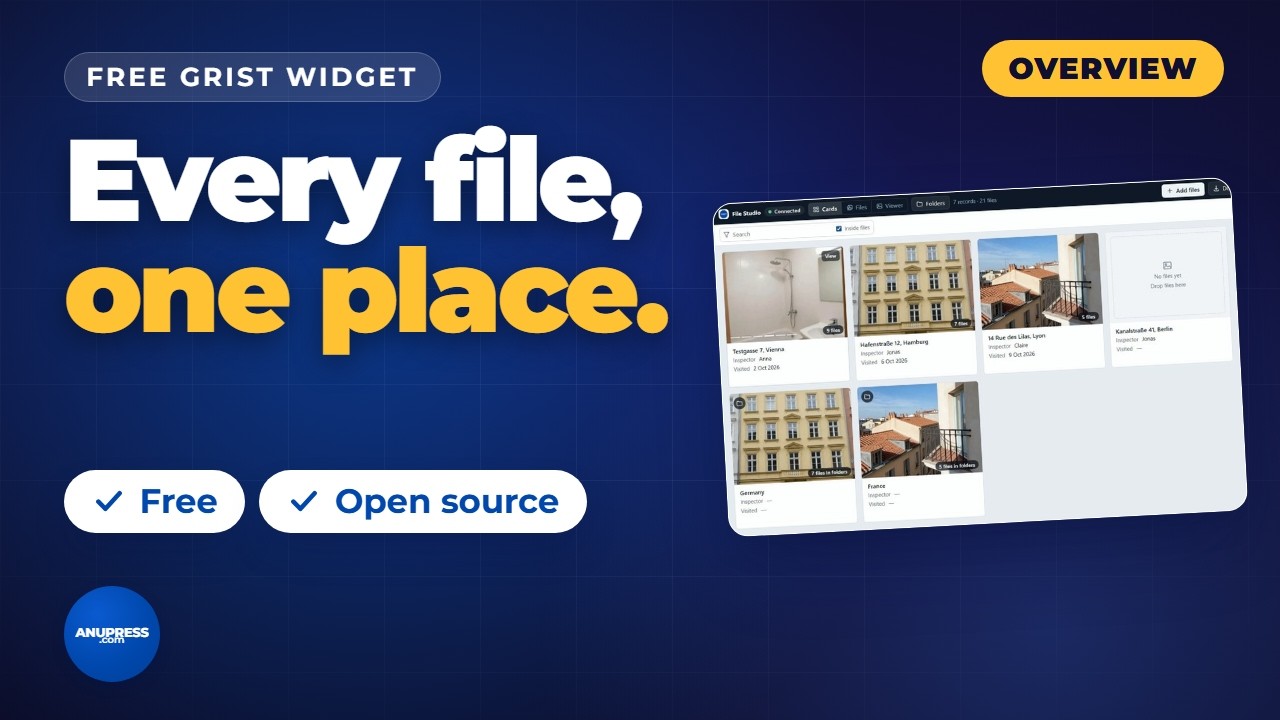
Live demo (no install, no Grist needed):
Use it in Grist → add a Custom widget, paste this URL, set Access to Full document access:
https://anupress.github.io/grist-file-studio/
What it does
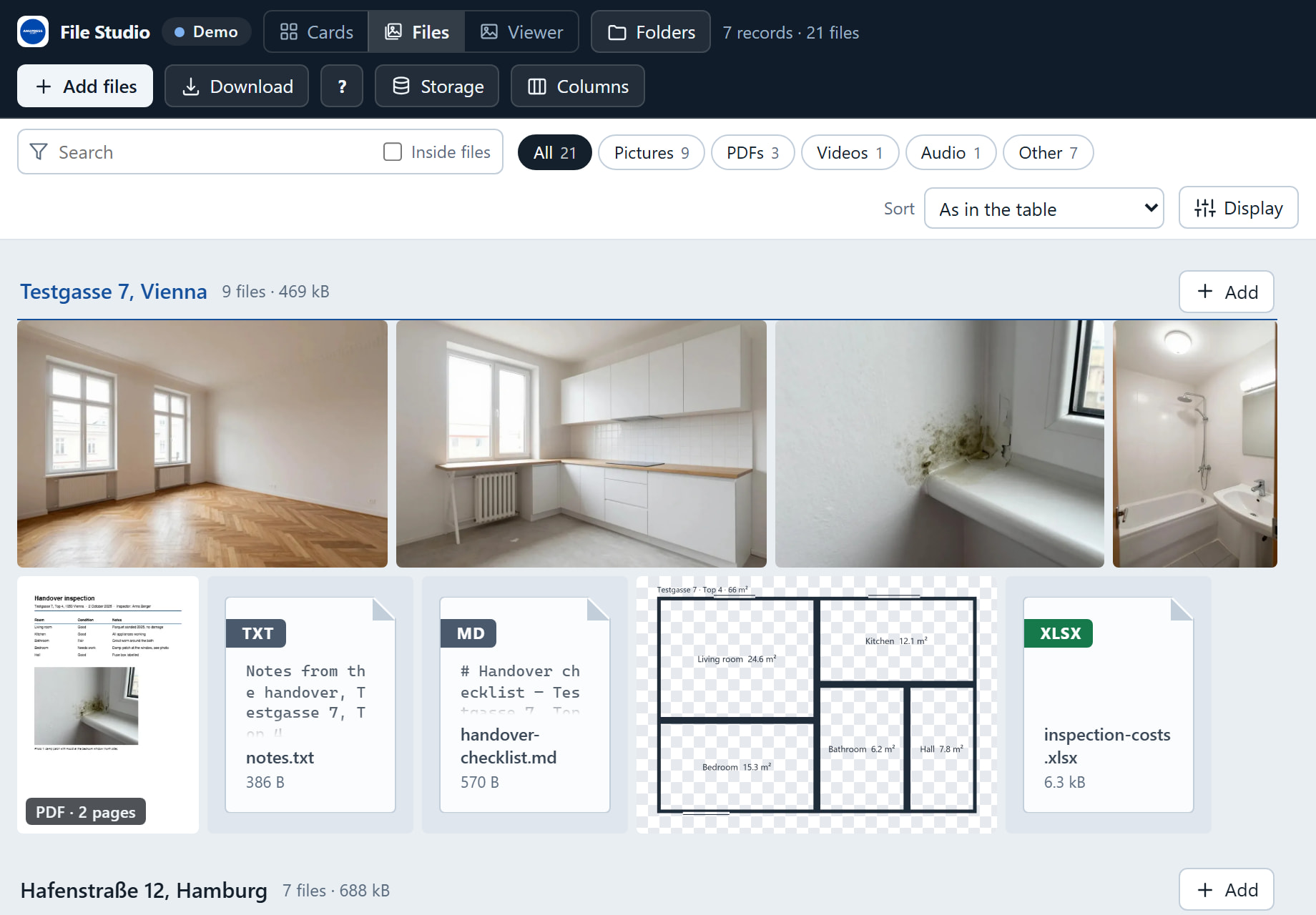
- Three layouts. Cards (one per record, its first photo as the cover), Files (every file of the table on one wall) and Viewer (one record’s files, large). Next to a table, with Select by, the Viewer follows the selected row.
- Opens things large. Photos (an iPhone’s HEIC too), PDFs, video, audio, text, and Word, Excel and PowerPoint files, drawn as content rather than as the program’s page.
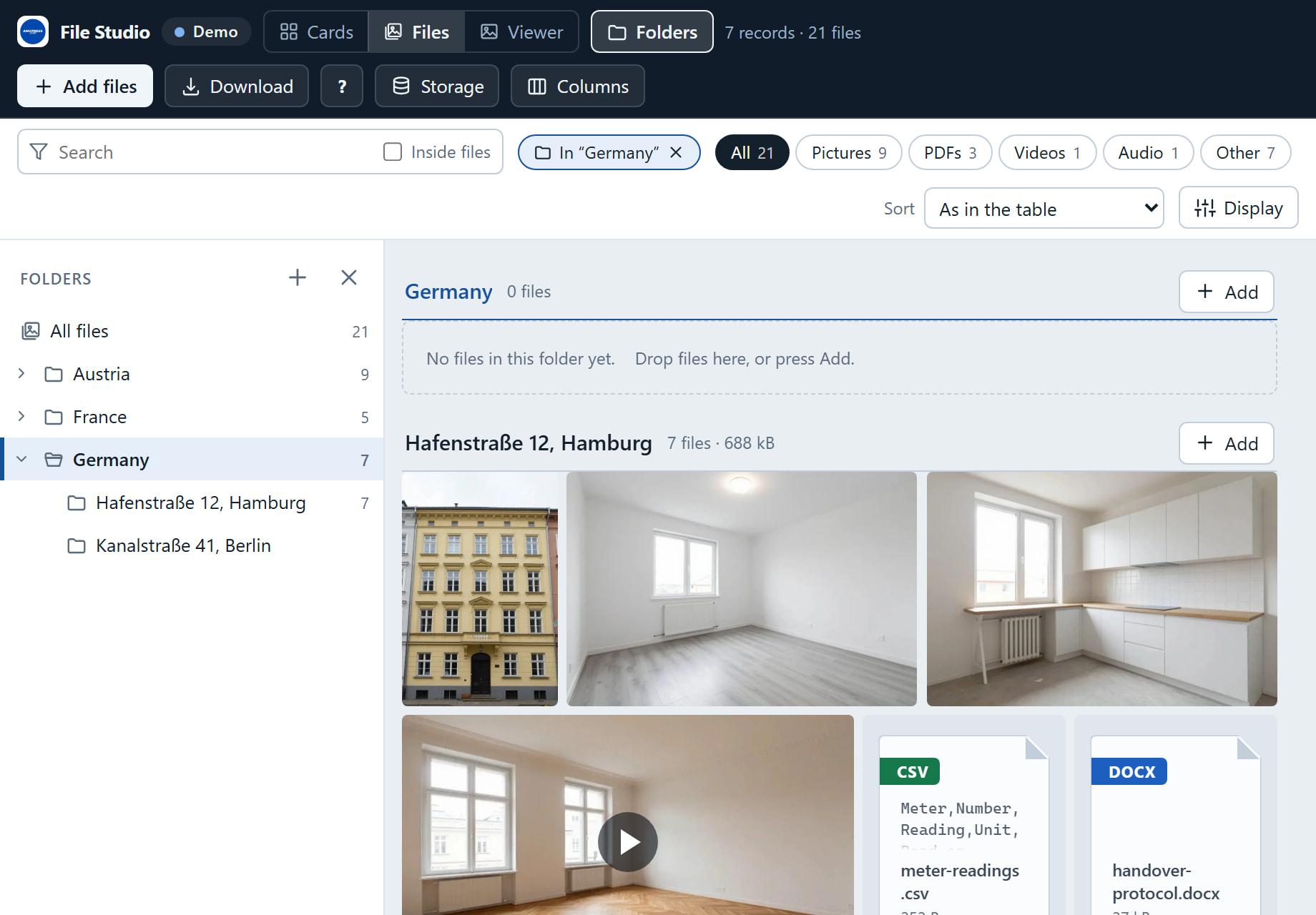
- Folders. Grist has none, so a folder here is a record, and its files sit in that row’s Attachments cell. A Reference column of the same table nests them. You can drop a whole folder from your computer, and each folder on the disk becomes a record inside its parent. One Undo takes the new records back.
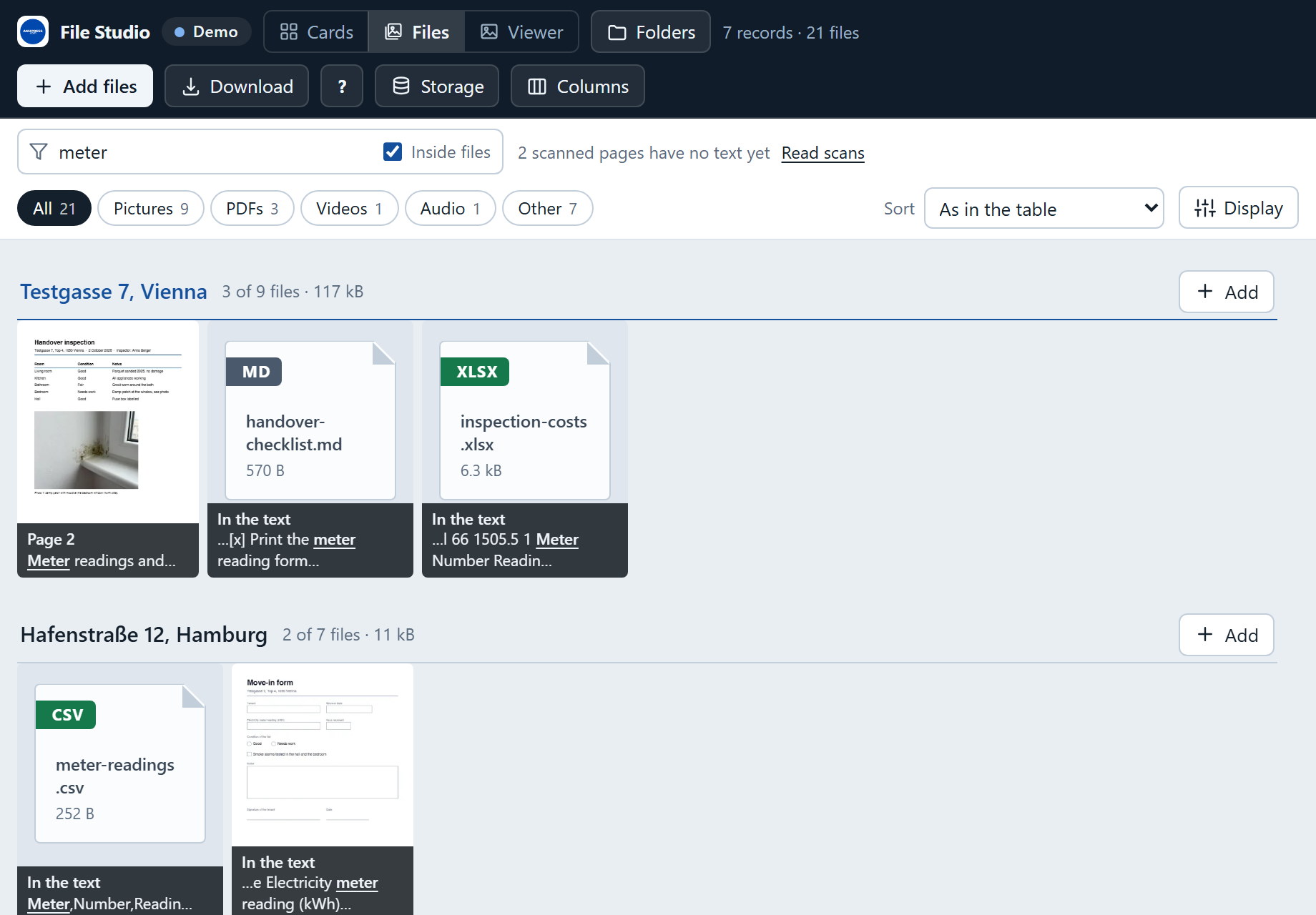
- Search inside the files. PDFs, Office files and text files, and scans through text recognition that runs in your browser (English plus your interface language). It asks before it reads anything, and the text stays in your browser, not in the document.
- Edit, and save back. Crop, mark up, and hide parts of pictures. For PDFs: reorder, merge, fill forms, sign, set a password. Grist never changes an uploaded file, so Save uploads the new version and points the cell at it. Undo brings the old one back.
- Also: a photo report as a PDF, a Storage view (where the space goes, shrink photos in one step), tags and notes, a zip named from your columns, Ctrl+K, English, German and French.
Privacy and access
Full document access, because it reads the files themselves (thumbnails, search, zips) and writes your changes back. There is no ANUPRESS server, and nothing loads from a CDN. The only table it adds isFile_Studio_notes, after asking, the first time someone tags a file. I would still try it on a copy first.
What it does not do
- PDF editing puts marks on top of the page; it does not rewrite the text in the file. A cover box hides what is under it but does not remove it. Turning that page into a picture does.
- Office files are shown, not edited. Handwriting reads badly with text recognition.
- I test in Chrome and Firefox. Safari is untested. The German and French wording is mine, and no native speaker has read it yet.
Guide and repo
Every part with a screenshot: the File Studio guide on anupress.com
Source: github.com/anupress/grist-file-studio (MIT; the HEIC decoder libheif is LGPL-3.0 and ships unchanged, see THIRD-PARTY-NOTICES.md)
If something does not work on your document, reply here with what you see and your Grist version, and I will look at it.
Thanks for taking a look. Happy to answer questions or take PRs.
— Anupress Team