Grist has an extremely useful feature: User Actions.
Unfortunately, there is almost no documentation on this subject. This post is my attempt to solve this problem, and empower more people (both user and developers) to use them.
If you are just here to know how to use the Action button widget, feel free to jump to the end.
The problem solved
In a typical API, the features are split into multiple functions, and each of them have different arguments. For example, grist.docApi.fetchTable and grist.docApi.listTables.
Now, let’s imagine that you want to create a very flexible widget, where the user can define actions to create, update or delete data from tables. In this situation, you want the user to have the most control possible. And the classic API design does not work, because the user can’t write the functions.
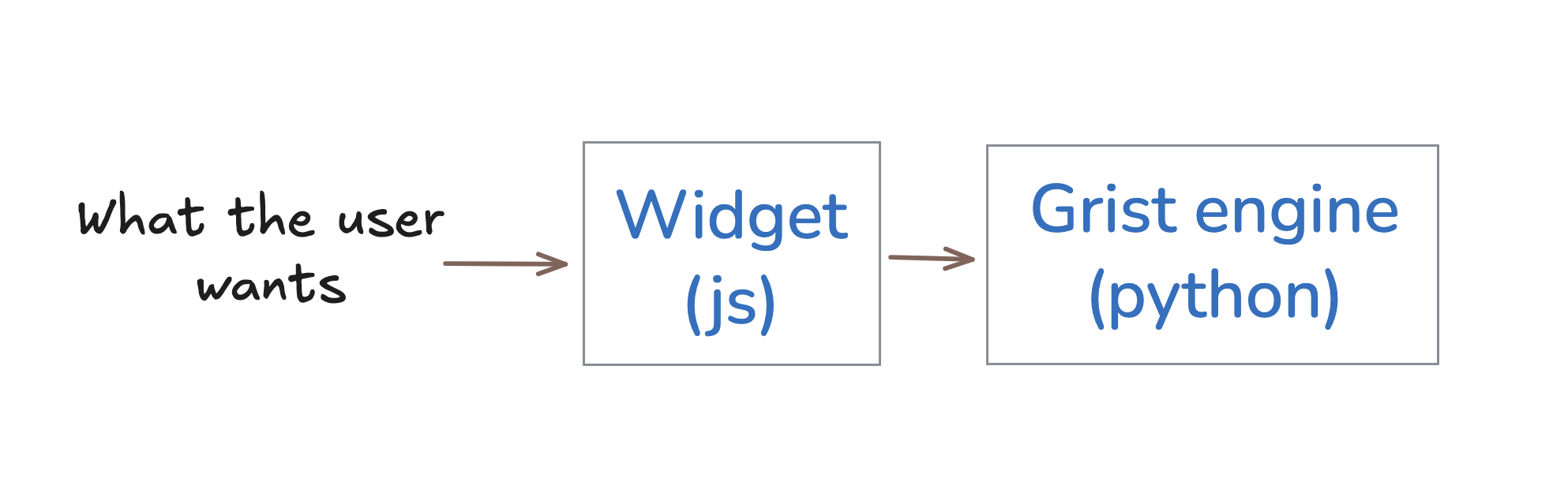
The solution is to Serialize the commands. This means the user can write commands, these commands get converted to text (json), are received by your widget, and are forwarded to the grist engine.
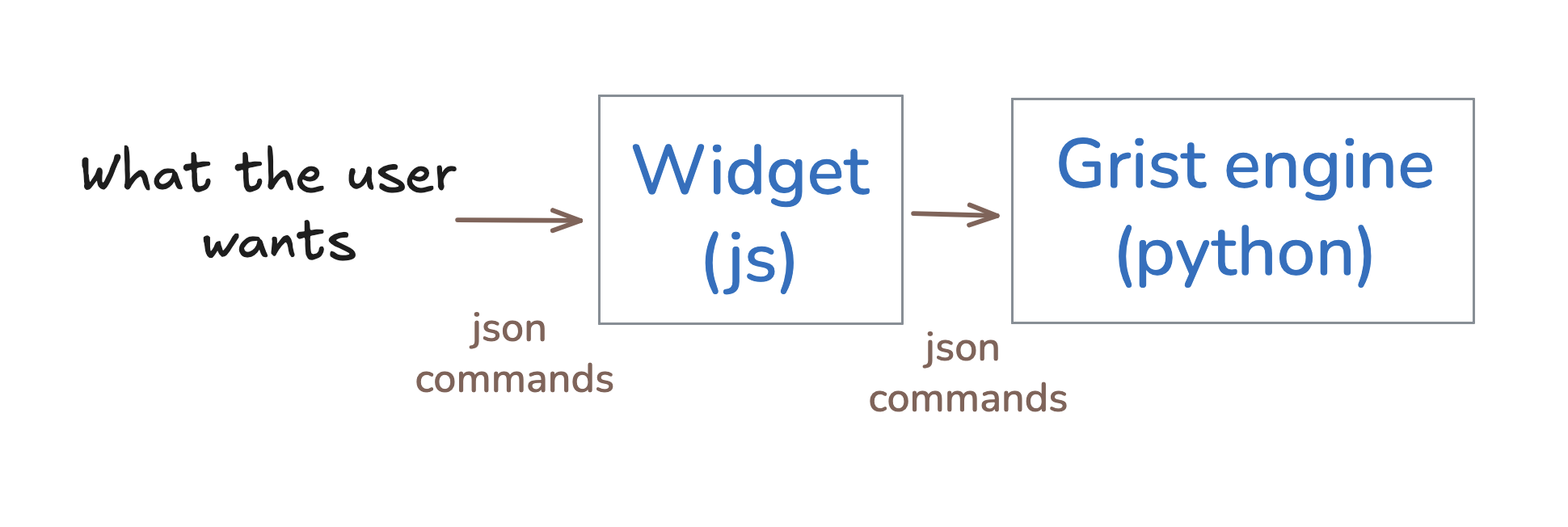
This brings another superpower: even if the core is in python and the widgets in js, you can communicate easily between the 2. You can even store them in a Grist table !
This is what userActions are: json commands you can pass between python and js.
Reference
There is no clean documentation for userActions yet. I will try to share everything I know here, but it would be still nice to have an official documentation provided by Grist.
In the source code, the user actions are defined here:
Here are a few examples (in python) to understand the structure:
add_few_lines = [
    ["AddRecord", "Table1", None, {"Name": "Alice" , "Age": 20}],
    ["AddRecord", "Table1", None, {"Name": "Bob"   , "Age": 21}],
    ["AddRecord", "Table1", None, {"Name": "Charly", "Age": 22}],
]
delete_line = [
    ["RemoveRecord", "Table1", 18] # delete the line with id=18
]
The commands are a list of “actions”, and each action is a list with 3 or 4 elements such that:
- element
0is the name of the command - element
1is the name (id) of the table - element
2is the id of the record (the line, corresponds to$id) - element
3is some data, often a dictionary
Inside a widget, you can apply the actions with the function docApi.applyUserActions.
Let’s say you want to apply a command that the user put inside the table:
grist.onRecord(record => {
    const actions = record["actions"];
    docApi.applyUserActions(actions)
})
(Note that the widget needs the “full document” access to do this)
See the next session to see examples of user actions.
Mastering actions (and the Action Button widget)
The main way people use actions is through the Action Button builtin widget.
Below are examples of formulas you can copy-paste (and adapt  ) inside Grist to execute common actions. Make sure you change the name of the table given as an example.
add a new line
actions = [["AddRecord", "Table1", None, {"Col1": "a", "Col2": "b"}]]
return {"actions": actions, "button": "Add new line", "description": ""}
remove the current line
actions = [["RemoveRecord", "Table1", $id]]
return {"actions": actions, "button": "Delete current line", "description": ""}
(make sure your “button action” widget has SELECT BY configured)
Duplicate current line
(beware, this will try to duplicate the formula column)
special_cols = ["id", "manualSort", "#lookup#"]
col_names = [x for x in rec._table.all_columns if x not in special_cols]
actions = [["AddRecord", "Table1", None, {c: getattr(rec, c) for c in col_names}]]
actions = [["RemoveRecord", "Table1", $id]]
return {"actions": actions, "button": "Delete current line", "description": ""}
duplicate all records
records = Table1.lookupRecords()
bulk_col_values = {
  "Col1": [r.Col1 for r in records],
  "Col1": [r.Col2 for r in records]
}
actions = [("BulkAddRecord", "Table1", [None for _ in records], bulk_col_values)]
return {"actions": actions, "button": "Duplicate all records", "description": ""}
delete all lines
rec_ids = Table1.lookupRecords().id

actions = [["BulkRemoveRecord", "Table1", rec_ids]]
return {"actions": actions, "button": "Empty table", "description": ""}
Fill missing records from another table
This one is more complex.
Let’s say you have a table ClassicBooks with books that are very popular.
You have a table Items with physical books, that are located in Libraries.
Now, you create a new library: you would like to add to the Items table a copy of each book. But if the book already exist, you don’t want to add it.
Here is how you do it:
existing = Items.lookupRecords(Library=$id).Book
existing_or_empty = existing.id if existing else [] # weird grist bug
to_add = [r for r in ClassicalBooks.all if r.id not in existing_or_empty]
return [("AddRecord", "Items", None, {"Library": $id, "Book": r.id}) for r in to_add]
Note: you may not need line 2. It was required because of a bug in Grist (github issue here), but it has been fixed recently.
Conclusion
I hope this post will be useful to you, both if you’re a developer or if you’re a grist enjoyer who likes buttons.
I stole some ideas to these posts, if you want to have more contexts and more ideas:
