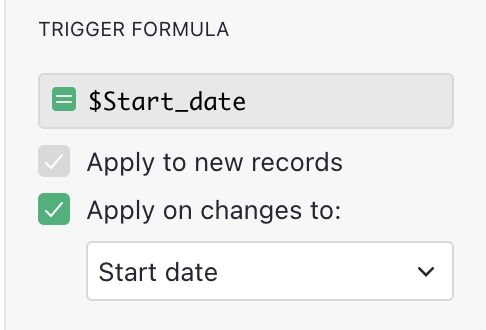
When using the date-picker widget, the month that is offered is always this month. If I have two columns, Start Date and End Date, it is appropriate that the current month is offered by the date-picker when choosing a date. Now, I may, for example, have to move forward many months to choose the correct start date. That is fine. When choosing the End Date, however, it would be wonderful to have a way of telling it which month I would like displayed when it opens. In this scenario, I’d like the date-picker to display the month that I selected for the Start Date so I can choose an End date that is equal to or greater than the Start Date without having to repeat all the scrolling to get from Today to End Date.
I appreciate that there are other, perhaps quicker ways to enter a date in the distant future than to use the date-picker. Nevertheless, this suggestion is what I believe is called a quality of life enhancement just to reduce a little bit of friction.