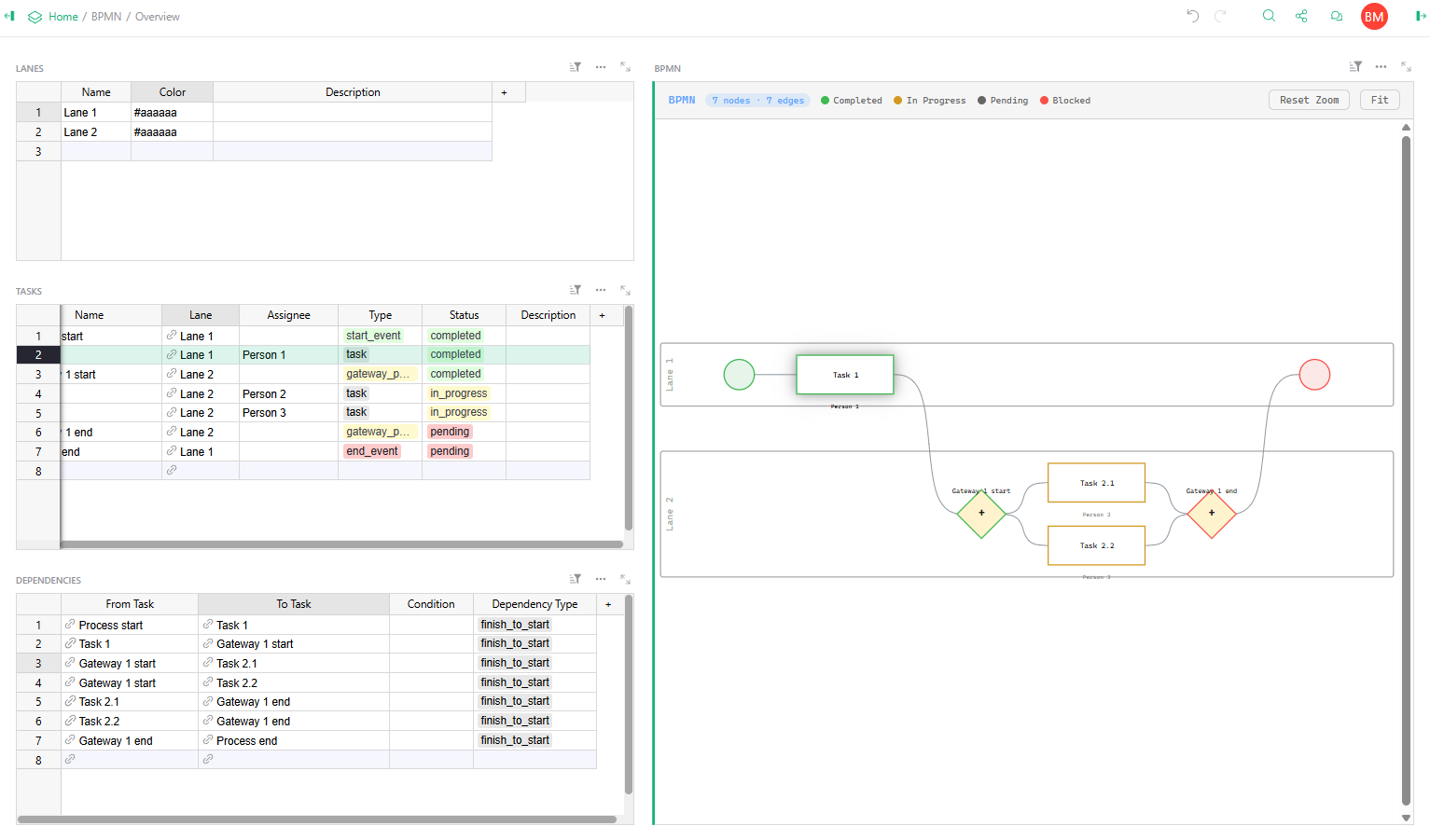
This looks very promising! Just for inspiration, I threw together a quick widget that uses the modeller from BPMN.io by Camunda a fair while ago. This won’t let you store the building blocks of the diagram as individual data fields in Grist, though. But it works fine for creating process diagrams and exporting them to SVG if needed. Maybe it’ll be useful for you to see how Camunda do things. Take a look: gristwidgets/bpmnjs at main · tomnitschke/gristwidgets · GitHub
thanks for sharing! Will take a look, also on other widgets you have on github. As soon as I’m finished with this one I’ll share it too (btw mine’s using dagre-d3 for rendering)
Hi Bruno. I asked if your BPMN would do automation too, because I saw you had PENDING, BLOCKED, etc status for each task, as if a Process Token was flowing through the task.
How your BPMN modeller deals with position of items? Is it pixel by pixel or do you use some Grid to make it easier for tasks to stay aligned? You record the position at the table or are you recording position only on Widget level?