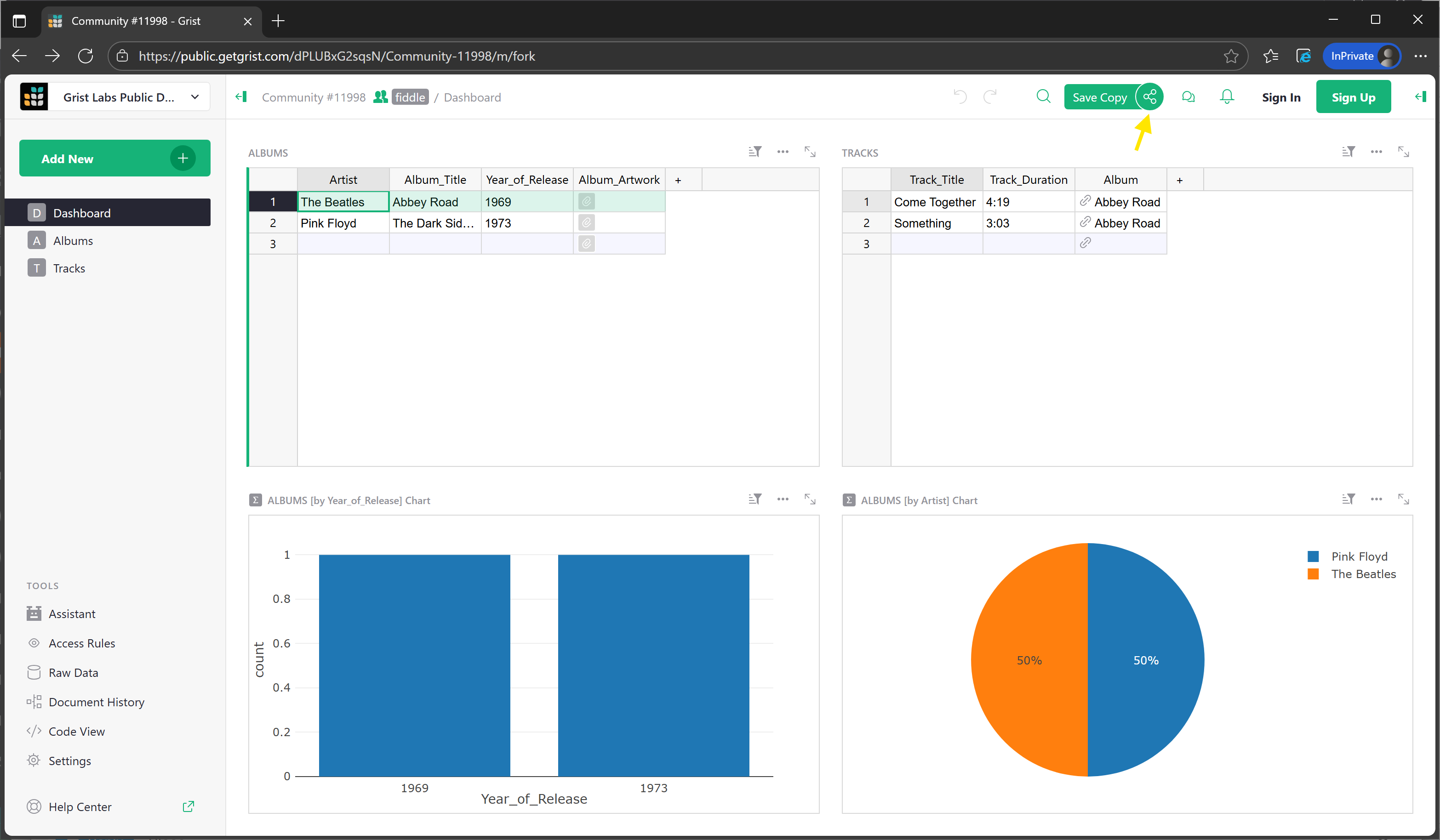
I need a template that i can import my CD collection, with fields for Artist, Track, year of release, Track Duration, Album Artwork. I can do this, but I then want to be able to click the album title and a separate page shows the tracks on that CD. Also, i want to be able to create charts, graphs when you click the year and time.
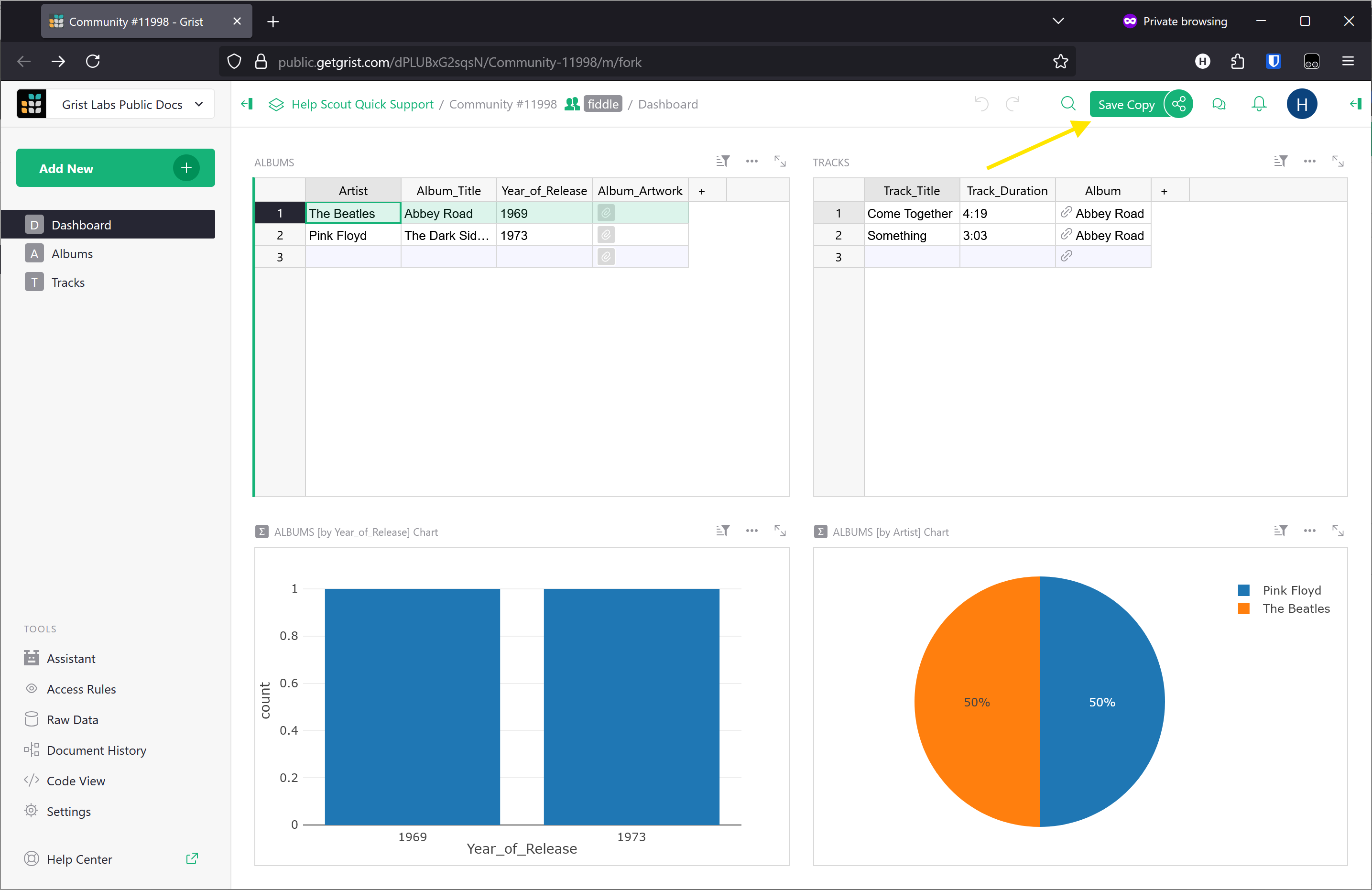
You can import Album and Track information. You can also use the Assistant to pull in data too! It pulled in the example data that’s in the document Of course, you can manually add data to the tables as well.
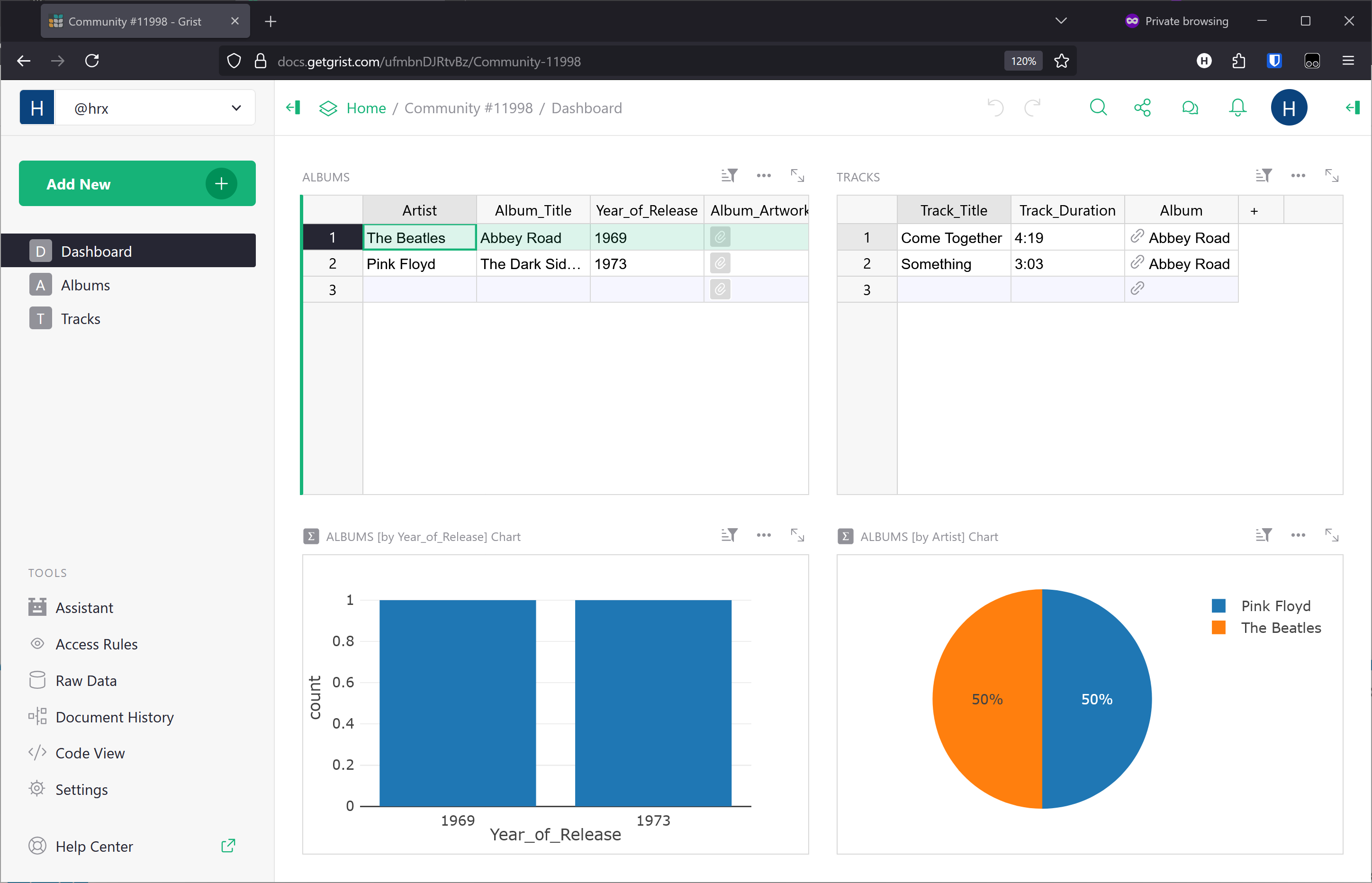
The Tracks table has a reference column, linking each track to an album. With this, the two table widgets can be linked (as you see on the Dashboard page). When you select an album, you see the tracks for the selected album.
I added two chart widgets. One shows number of albums released in each given year. The second shows how many albums for each artist. As you add more artists, this one may not be great to look at…
Scrap that, i just found how to add album artwork LOL… however can i save that and use it myself, or do i need to create it myself? I cant seem to be able to save it.
personally I think there are two possible approaches here:
1.)
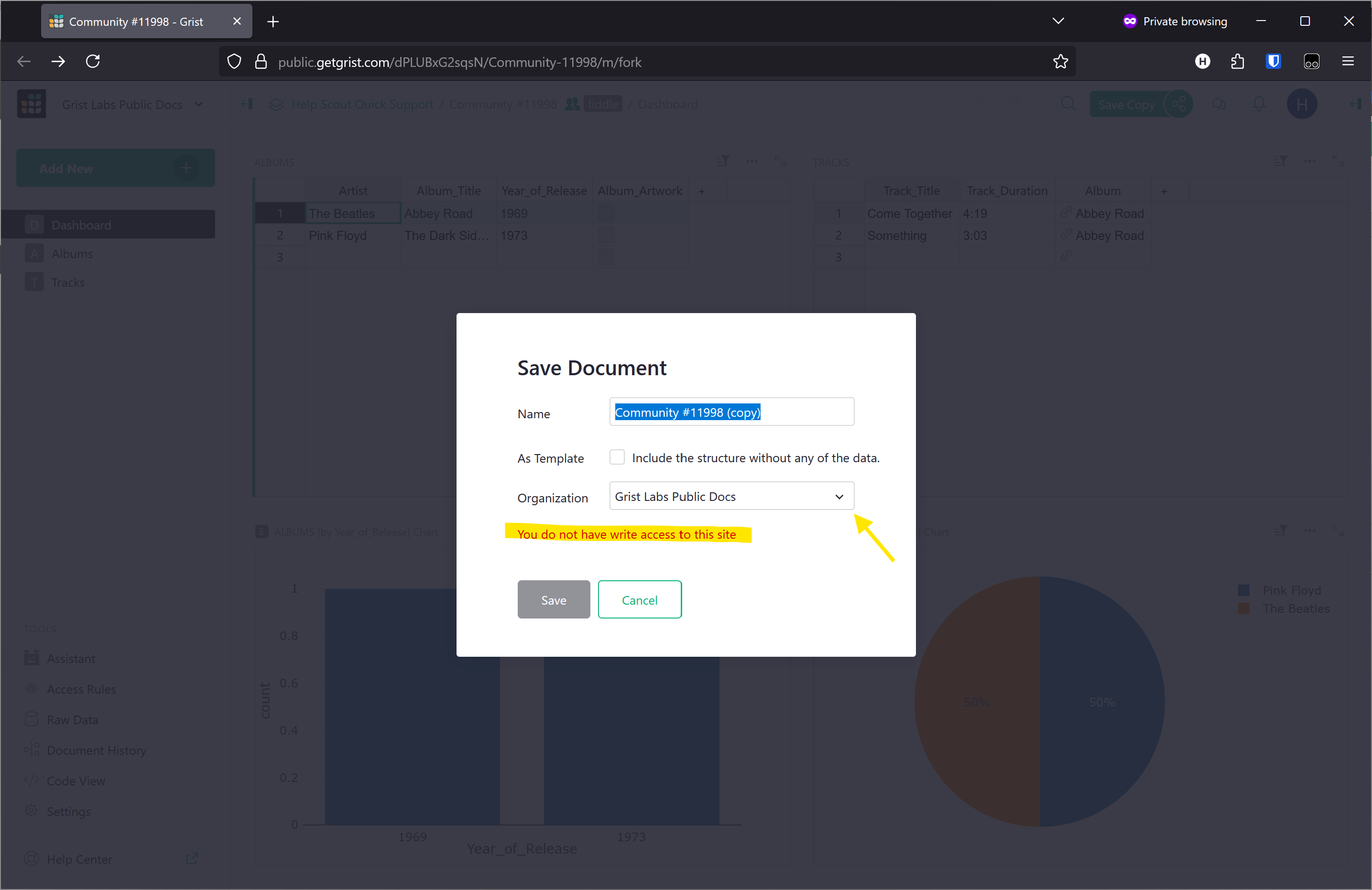
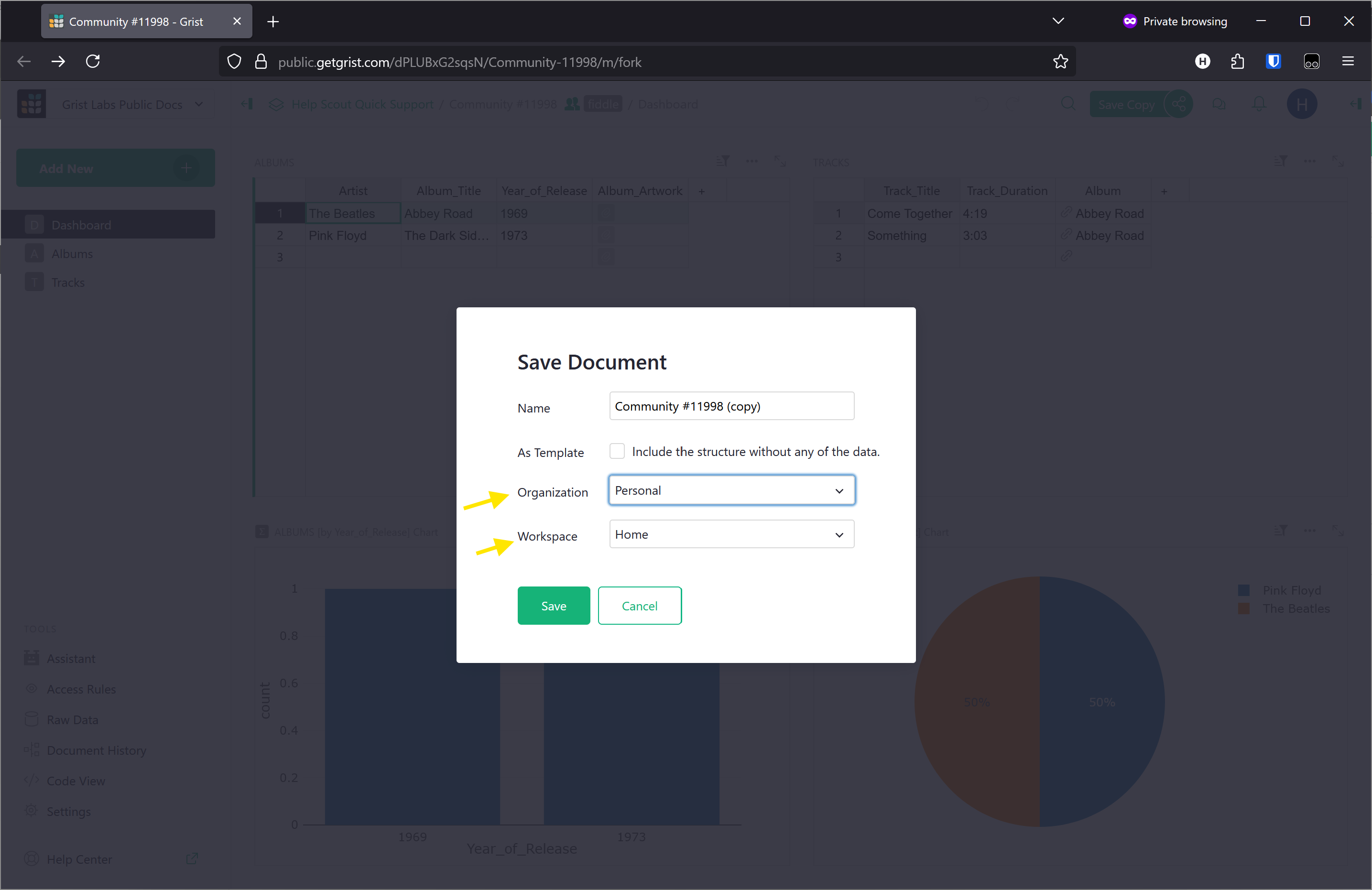
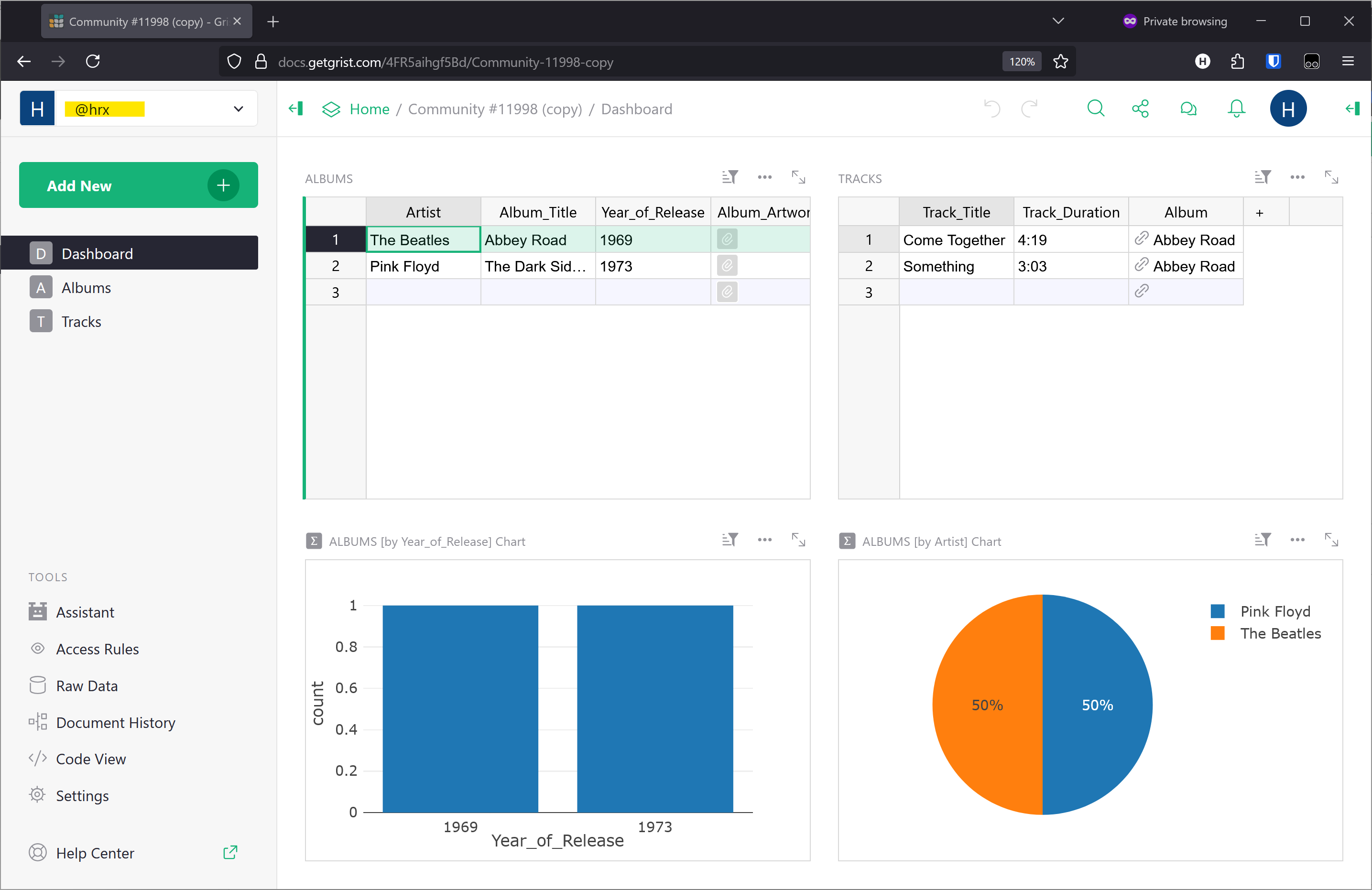
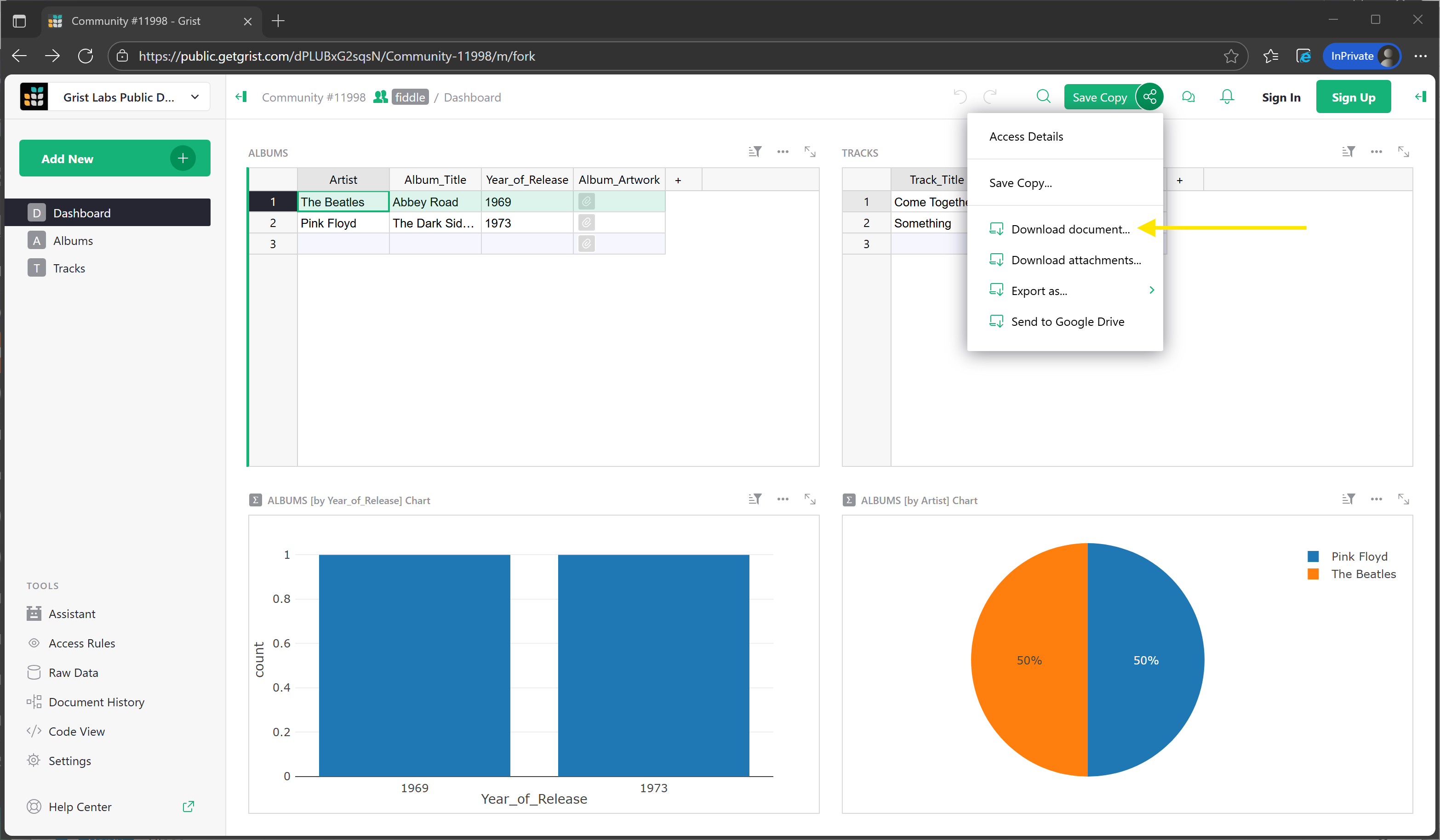
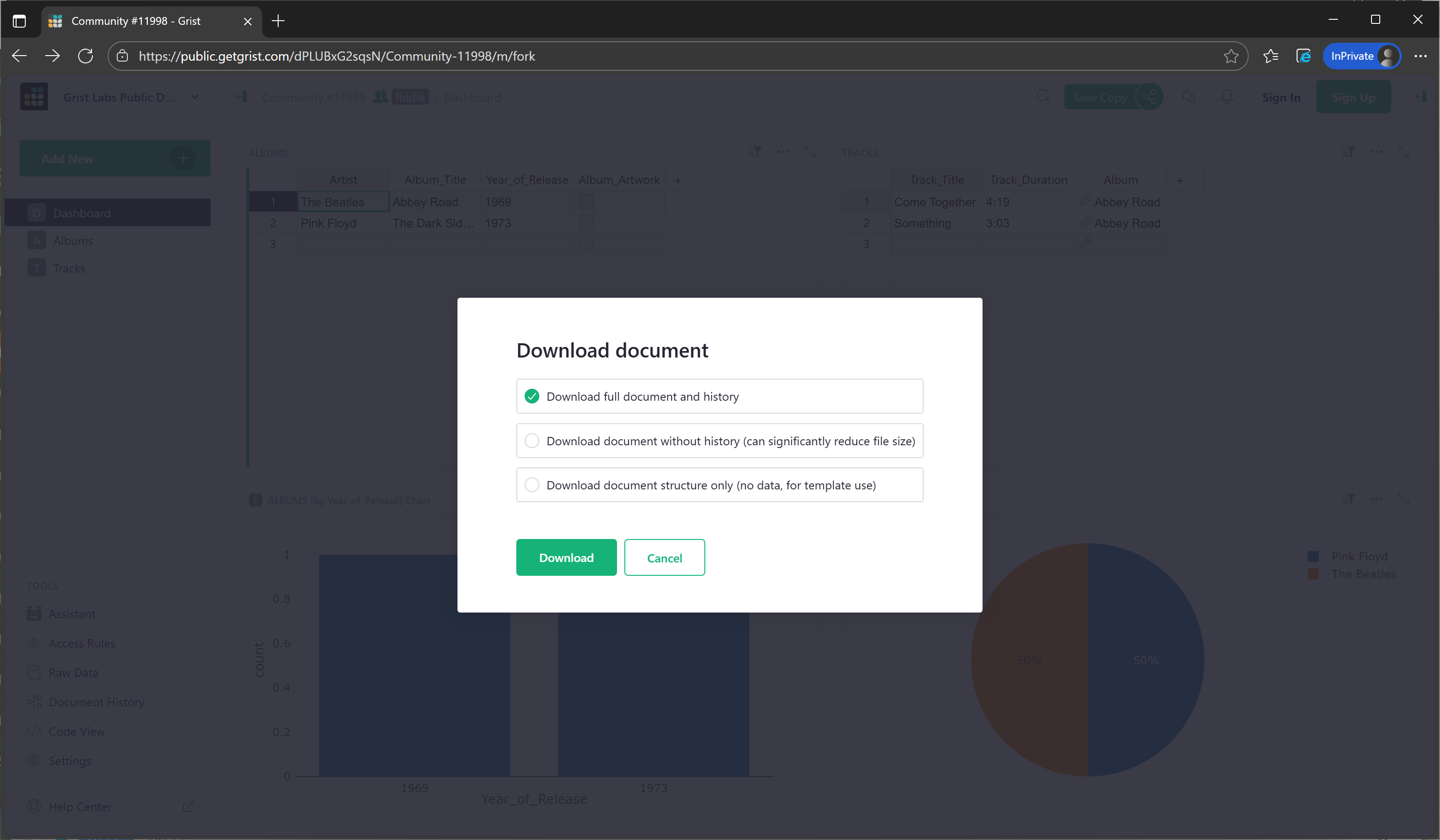
If you are logged into a Grist SaaS instance while you open the link @natalie-grist provided, you should be able to save the document right into your personal workspace like this:
 Of course, you can manually add data to the tables as well.