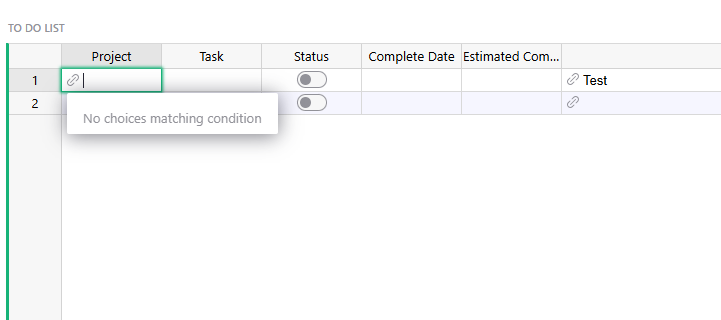
I’m working on a database for tasks for my department. I currently have one table for my employees, another for projects, and then another for the to-do for each project. For each project I would like to use a reference list for the assigned to so that I can assign multiple people to a project but I run into issues when I try and use the dropdown condition sort on the to-do list to sort to only project that are assigned to that person. Is there a way to do something like a for each in the dropdown condition on a reference list?
Hello,
I think you try to compare a single reference (contains only 1 person) with a reference list (could contain 0, 1 or more persons). The proper operation is to check if $Assigned is one of the values in choice.Owner, something you can achieve with :
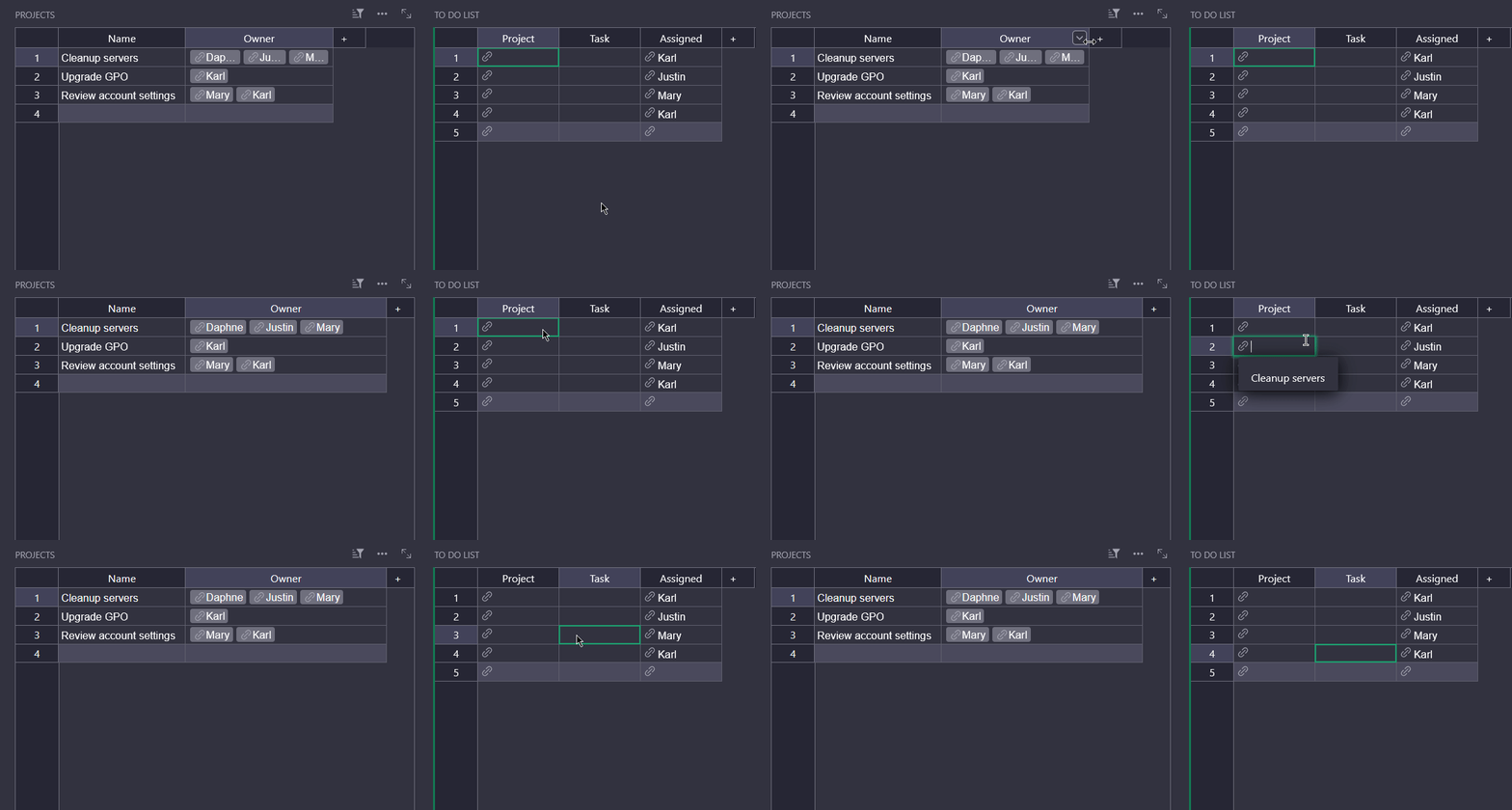
$Assigned in choice.Owner
Behavior with this formula :
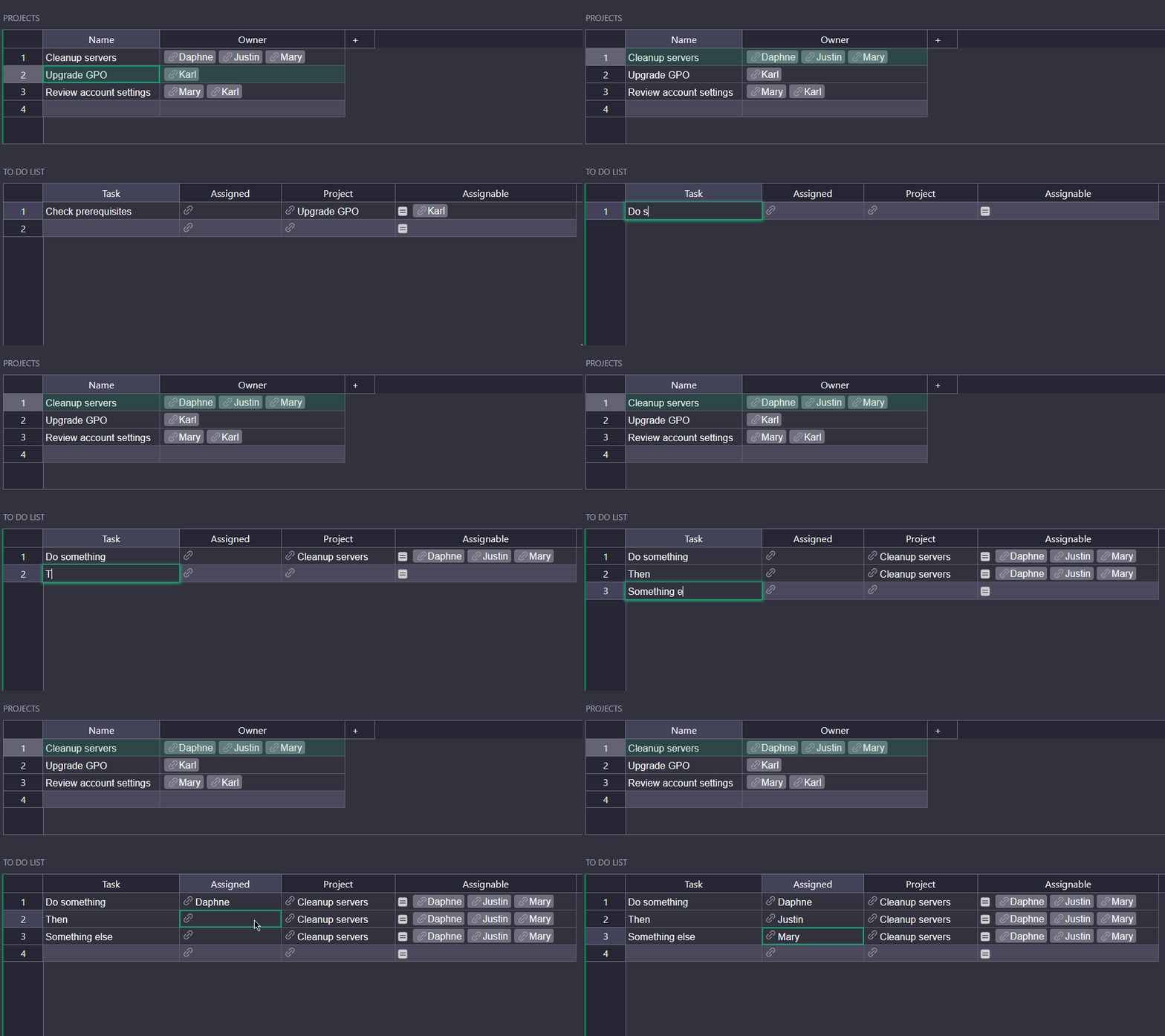
To get further in the structure, a project can have many tasks, while a task is always part of a single project. It is possible to link TO DO LIST with PROJECTS to automatically assign new tasks you create with the currently selected project :
In TO DO LIST view > Table > Data > Select by : PROJECTS
The “Project (name)” column will now be created automatically with the selected project, so you can get rid of the dropdown condition
Add an “Assignable” column :
Type : Reference List
Data from : Employees (or your persons table name)
Formula : $Project.Owner (you can hide this column after that)
In “Assigned” : set a dropdown condition to choice.id in $Assignable