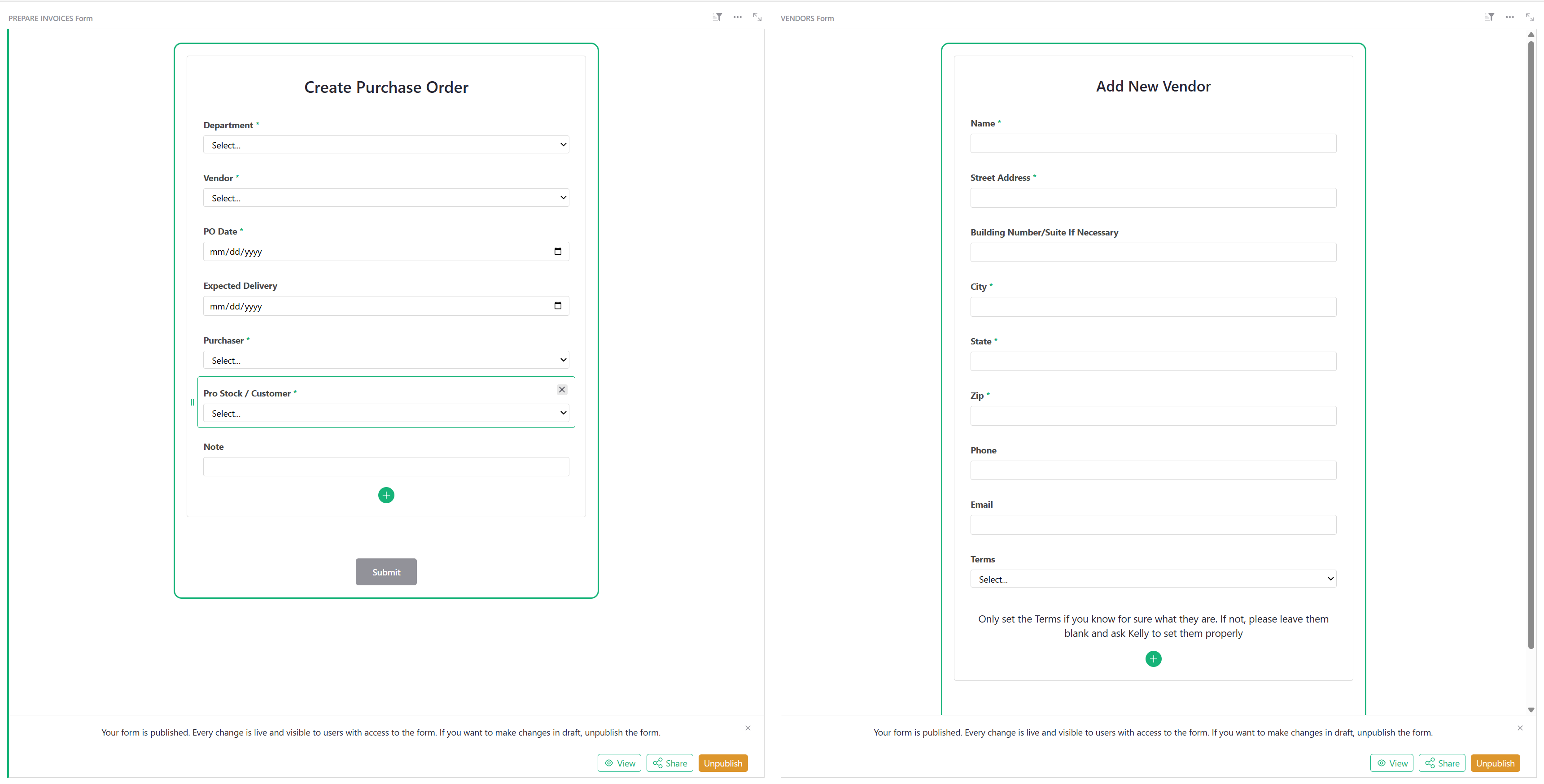
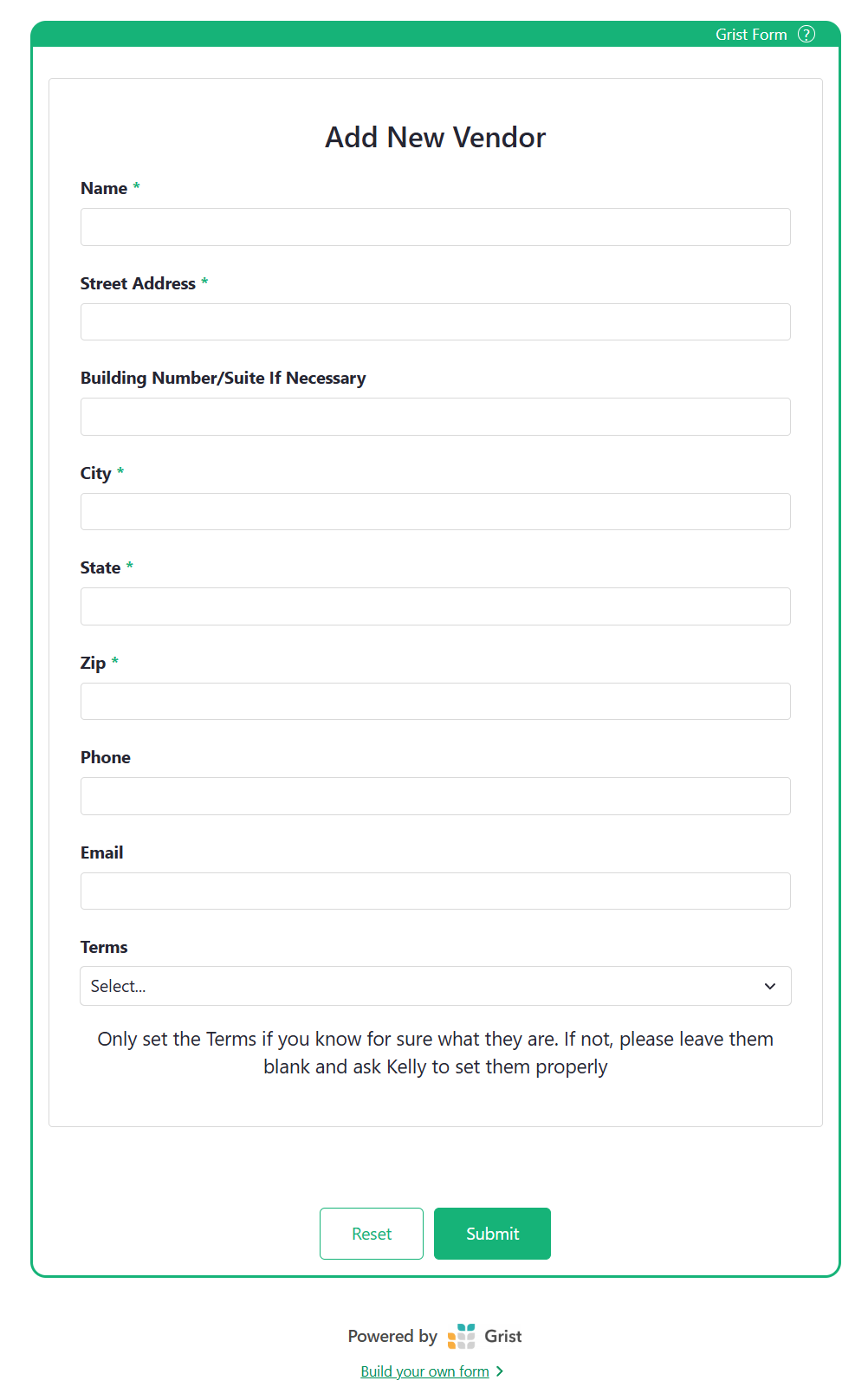
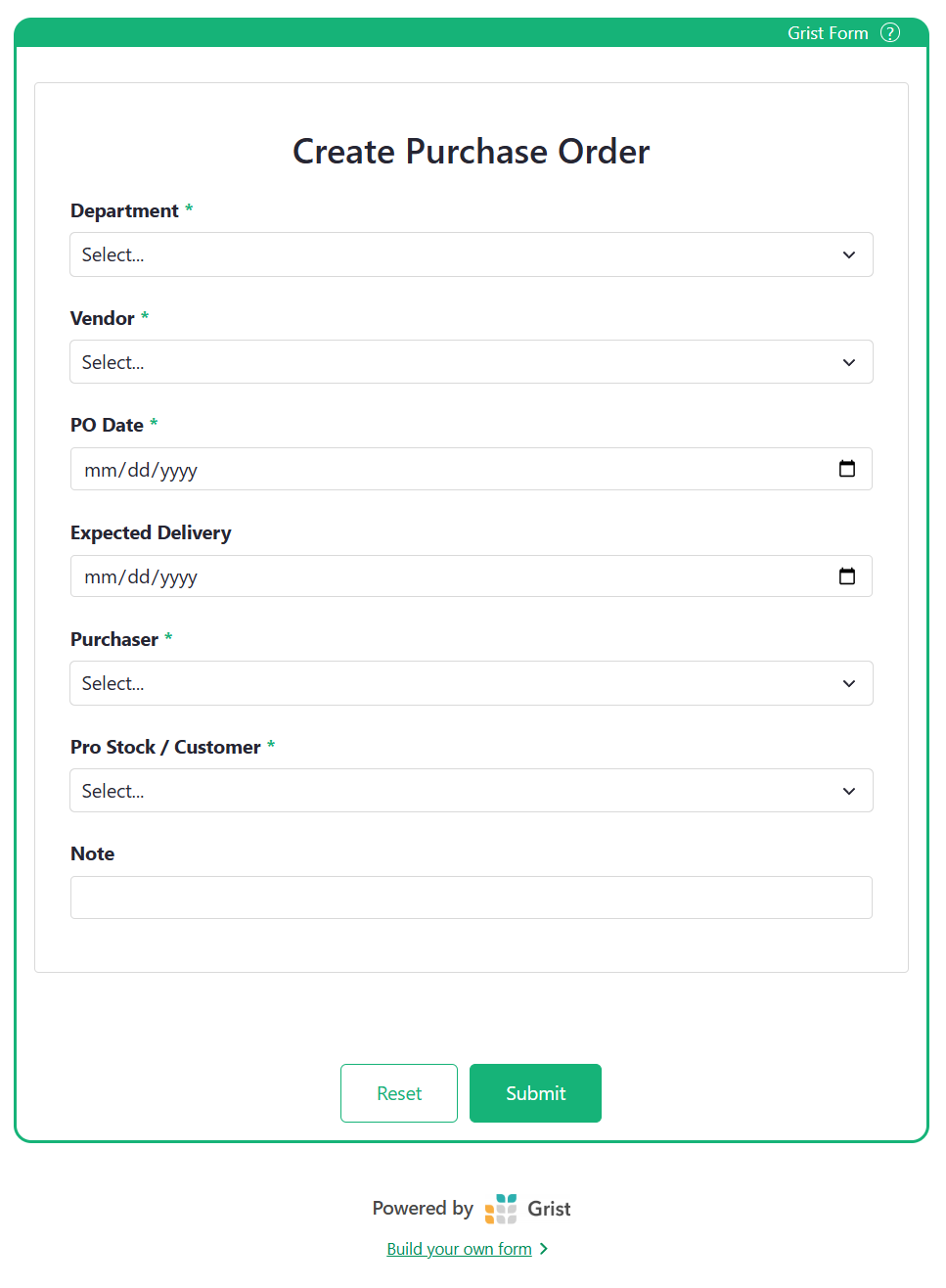
In v1.7.15 Self Hosted, Forms build and published will not show as custom widgets anymore? I created the form, published, and use the link as the url for the custom widget. This used to work on v1.7.14 Self Hosted, but is broken now? I think for now I will roll back to v1.7.14, but thought you should know of the bug, and ask if there’s a possible fix or update coming?
This is due to the “Disallow same-origin custom-widget URLs” fix mentioned in these release notes. It’s a security measure. It matters if you ever open untrusted documents on your instance.
What is your use case for including a published form as a URL in a custom widget: is it to provide a friendlier way for collaborators on this document to add new records?
A workaround would be to serve the form from a different origin fro the rest of the Grist document, if you can arrange for that. A particular hack would be to add a trailing period to the hostname of the URL you are setting as the custom widget URL (not sure if this would work, but it might).
Another option is indirection: host a trivial static HTML page on a separate origin that just iframes the published form.
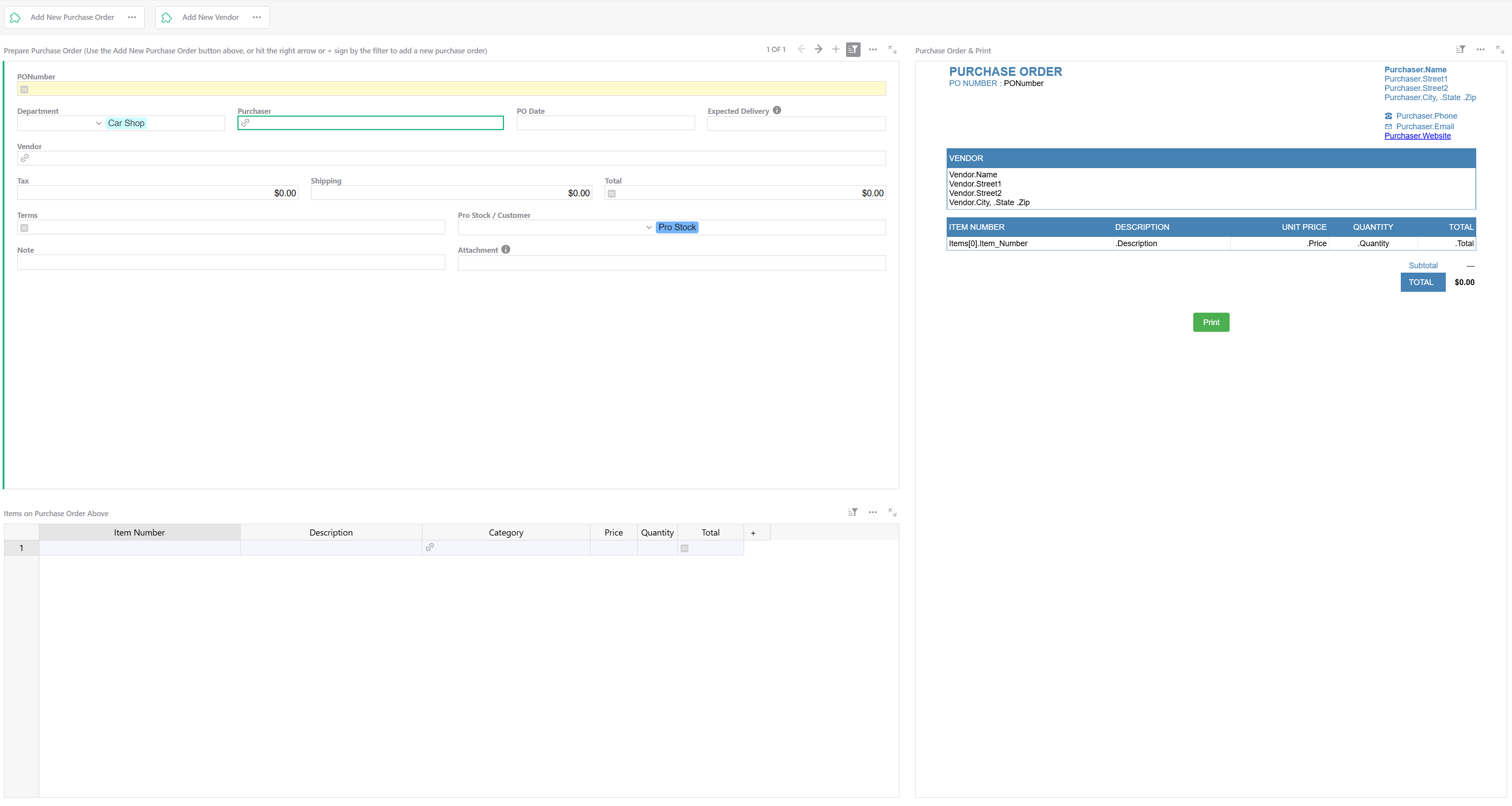
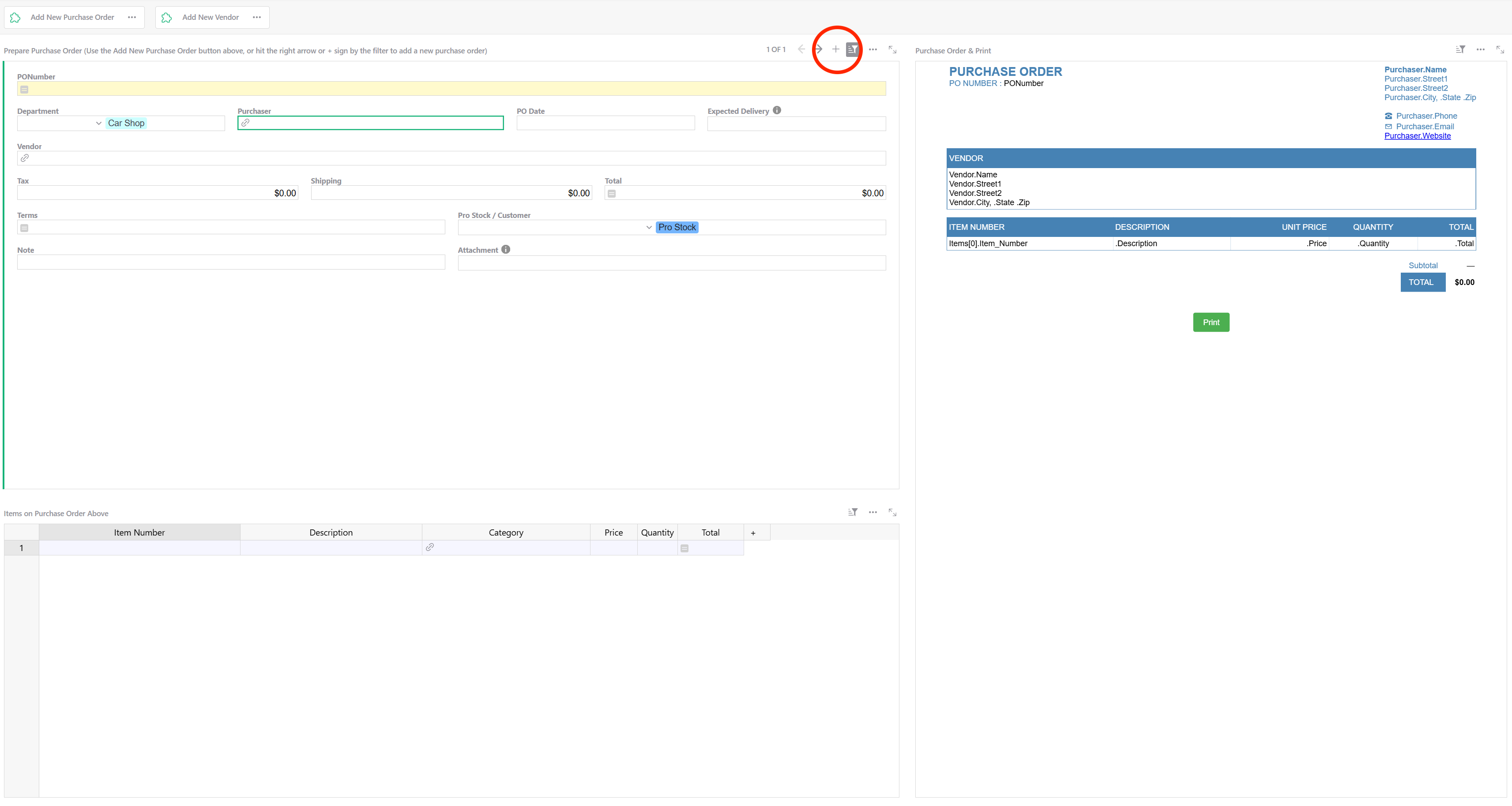
I have created the forms as pages directly in grist. As far as I know, the only way to allow users to use them is to Publish, then put the published url in a custom widget? I just work directly in a widget page like the first image below, but some need a simple form. I have a few users that are not as tech savvy, so I created the forms for them to easily create Purchase Orders, and add new vendors. They hit the button at the top that opens the overlay custom widget for what they need to enter data into the forms. This seems like a very basic feature, and should not be difficult? Maybe I am doing it wrong, but the latest update blocks this method of using Grist created forms?
It does work on 1.7.15 using a custom widget with HTML code instead of custom URL. It properly embeds directly in the widget from the shared url in the Grist form when published
The “Forms” widget exists specially for publishing public forms: anyone with the URL can use it to submit data, without signing in. In that way, they are similar to Google Forms. For working within a Grist document, the “Card” widget is the typical interface.
You already have a Card for a purchase order. To add a new one, you can click the “+” icon near its top right corner:
To add a new Vendor, you could add a collapsed Card widget, and use widget linking to connect it to Purchase Order > Vendor. If the Purchase Order already contains a Vendor, that widget will just show the vendor details. If its Vendor is empty, you can use the autocomplete in the “Vendor” reference cell to select an existing vendor (or start typing in a new one – there is a “+” icon in the autocomplete to create a new record). Or you can open the collapsed widget to show a card for creating a new Vendor.
Admittedly, Cards look quite differently from Forms, and there isn’t currently a way to get the best of both worlds. So if the particular look of Forms is what you are after, you can stick with your approach. Just remember that published Forms don’t require authentication – anyone with the link can submit a record, so keeping that link secret is the only protection.
FYI, we are planning to revert this change in the next release. The hoped-for security hardening is minimal and doesn’t seem worth the disruption. Apologies for the hassle!
Thanks for the reply. For now the custom widgets work fine, and for our use case, there’s really no security risk either way, but I do appreciate your efforts. Thanks