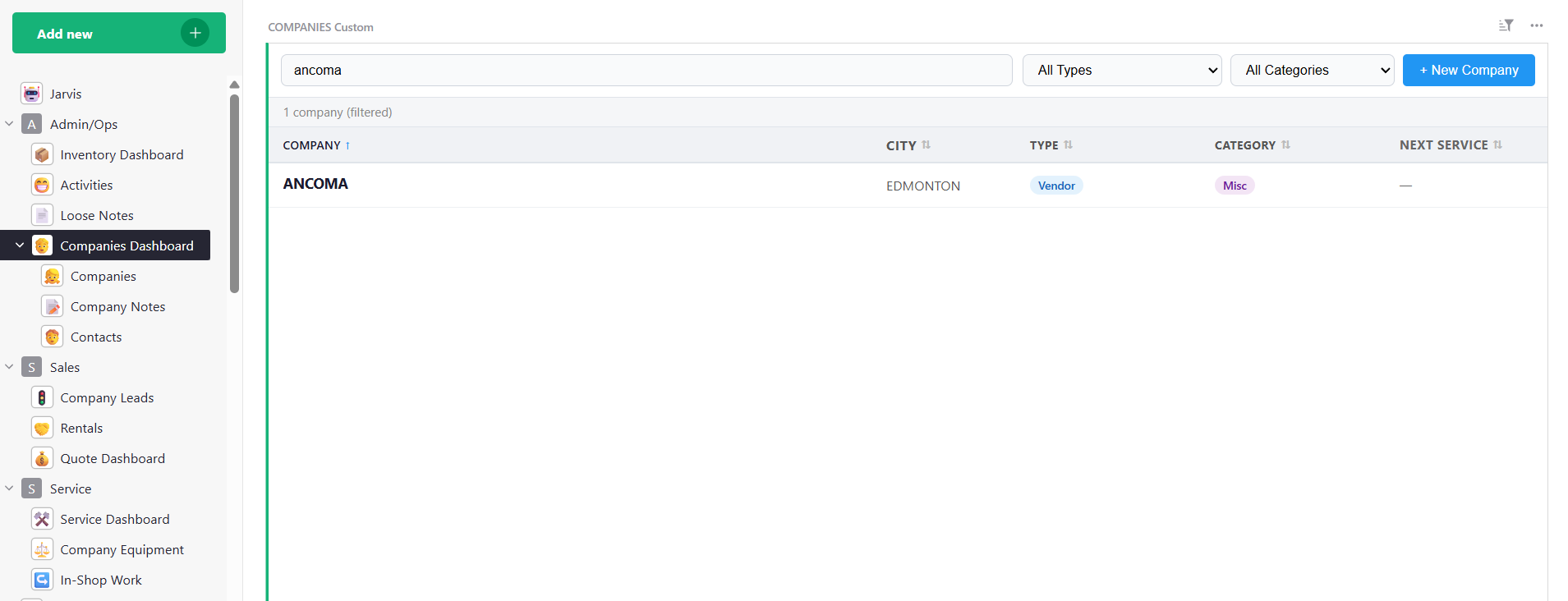
This post is partly just to encourage people with what is possible and also to ask about the Grist pages functionality. I have several custom React-based dashboards, all running on a separate Express server for our Grist installation.
I was thinking that it would be great to integrate each page somehow and then I came up with the idea that while each widget cannot change the URL, the page number for each page is static in Grist. I can create links within each individual widget that link to those page numbers and I can set and get local storage keys for each app to pass information in between the apps.
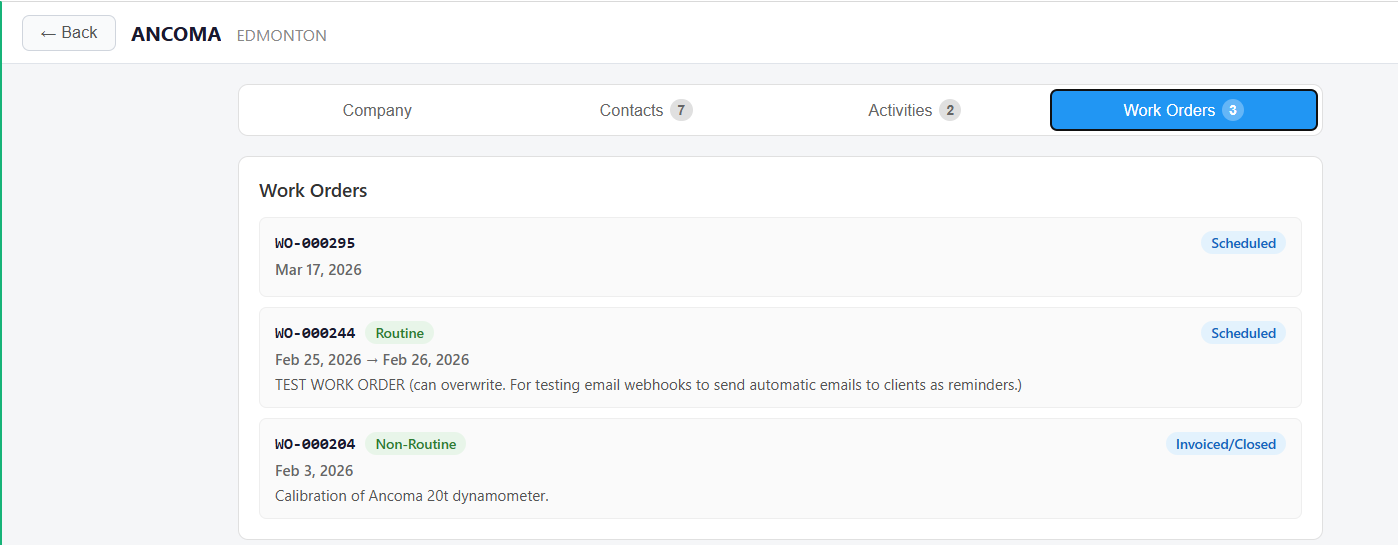
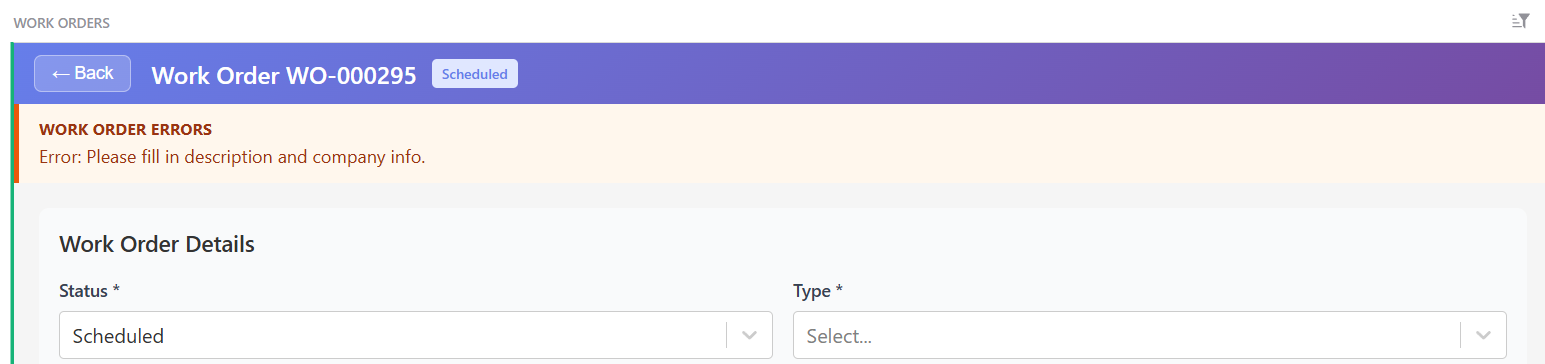
So for example here if I click on this company and I want to see the work orders associated with the company, I can have a view of the work orders but then I have a full-on work order widget as well. My idea is that when the user clicks on the work orders in this company’s dashboard, it will first set a local storage key for a work order number as a detailed view in the work order dashboard itself. When I click the link it will bring me to the work order dashboard and I can just make the react widget there first look for any keys and navigate to that page if they exist or else show the default dashboard if they do not exist.
Any improvements or suggestions anyone would make as to this process of connecting widgets together?
I suppose I could also just make a grist ‘state’ table and read/write from that instead of localstorage as well, but this would have the limitation of only allowing one user unless I used a more complicated schema of read/writing states based on who is logged in.
Interesting! What may help you greatly is “anchor links”. This is neither well-documented nor polished for use with custom widgets: it’s a feature to link directly to a particular cell in a document. But it works for every widget type. For example https://templates.getgrist.com/doc/lightweight-crm#a1.s4.r11.c2 should take you to the Card widget of a particular page with particular record selected.
The reason I mention them is that if you have a custom widget that renders a particular record, an anchor link that takes you to that record will use Grist’s existing mechanisms to make it the currently selected record, and render your widget with it. So it may save you from having to rebuild a similar mechanism.
A bit of documentation for anchor links is here Lightweight CRM - Grist
Their structure is of an anchor link is like this:
URL_TO_DOC_PAGE...#a1.s11.r20.c1
a = identifies the type of link (1 is normal, 2 for popup)s = sectionId (rowId of the page-widget)r = rowId (of the actual row in the user table)c = colRef (rowId of the column’s metadata record – probably does not matter for custom widgets)
To find s for your custom widget, you can try the shortcut to copy an anchor link to clipboard (Ctrl-A or Cmd-A) – it should work as long as the focus is on the app and NOT inside the custom widget itself. Another way is to use the widget menu and hover over the “Download as CSV” option. That gives you a URL, which includes a viewSection=N portion: the N is the sectionId to use with s.
Thank you Dmitry. I love the flexibility that grist provides.
I was going to try the anchor links with a webhook automation to create tasks in Todoist that refer back to grist. I am not sure they would work for me in this specific case, since I’m kind of being a bit hacky to get data.
Each widget that I have uses window.grist.docApi.fetchTable(tableName) to fetch the table data and either optimistically updates the data or reloads the data after each change. We don’t have multiple concurrent users typically (very rare) so stale data isn’t a huge concern.
With the current implementation, I’m basically just using some of the grist tables as a very user-friendly version of mySql or such haha since the widget is the only thing that reads/writes to it.
Probably very inefficient use of data but at our size of database it doesn’t seem to negatively affect performance in any meaningful way.