[Tool] Grist Admin & Data Toolkit: Bulk User Management, Security Audits & Data Engineering

:compass: Sidebar & Navigation
The sidebar allows you to connect to different Grist servers, switch organizations, and navigate between the main modules of the application.

Connection: Enter your Grist API Key and Server URL.
Organization: Select the workspace organization you want to manage.
Language: Toggle between Portuguese and English.
:locked_with_key: Access Management

:busts_in_silhouette: Global View
Provides a high-level list of all users in the selected organization.

View global access levels.
Filter by name or email.
User Details: Once mapping is performed, select a user to see exactly which documents and workspaces they have direct access to.

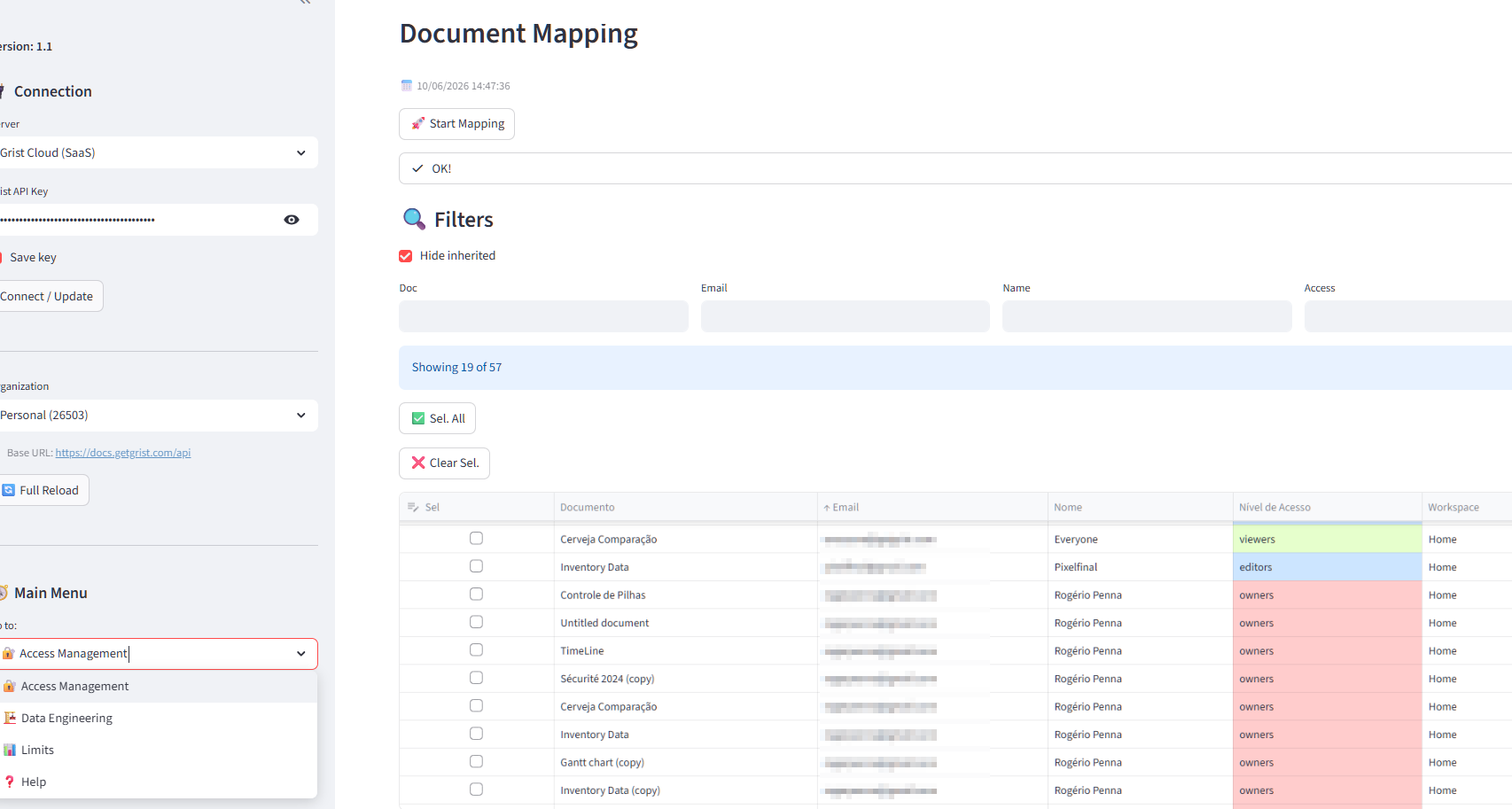
:world_map: Document Mapping
The core engine for security auditing.

Start Mapping: Scans every workspace and document in the organization to identify all user permissions.
Cache: Results are saved locally for faster access.
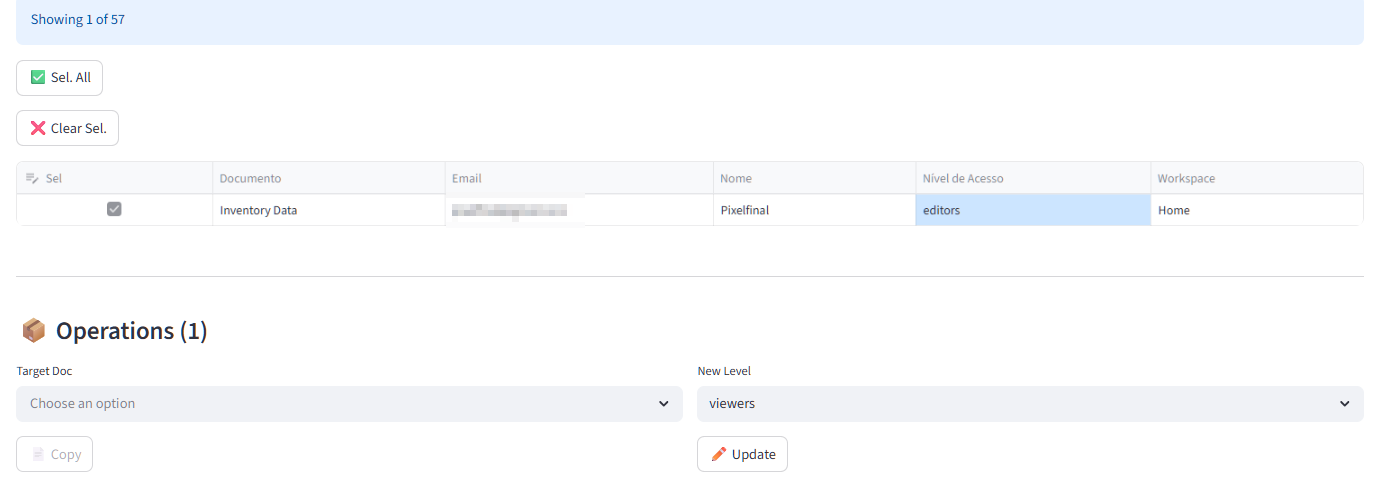
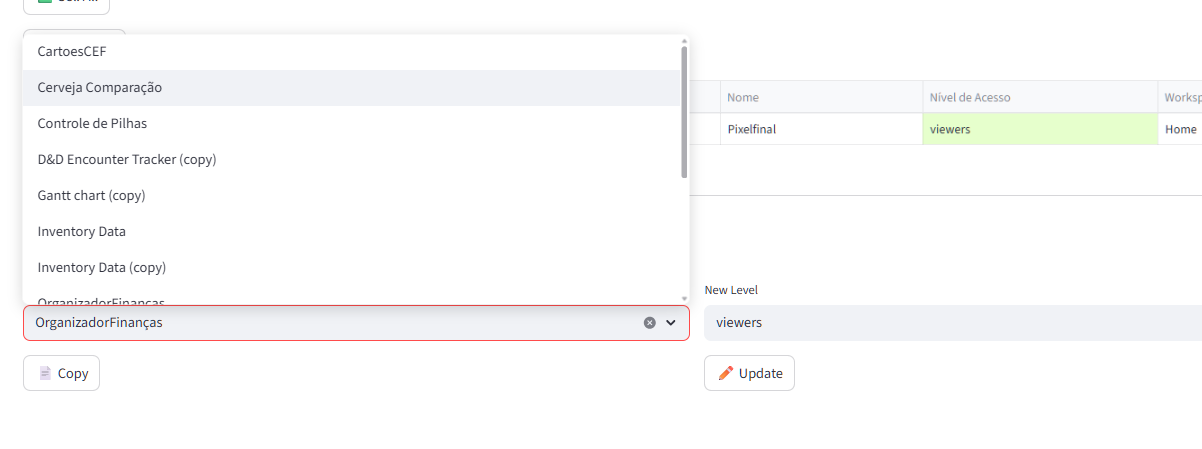
Operations: Select multiple rows to copy permissions from one document to another or update roles in bulk.

:high_voltage: Quick Actions
Express tools for common tasks.

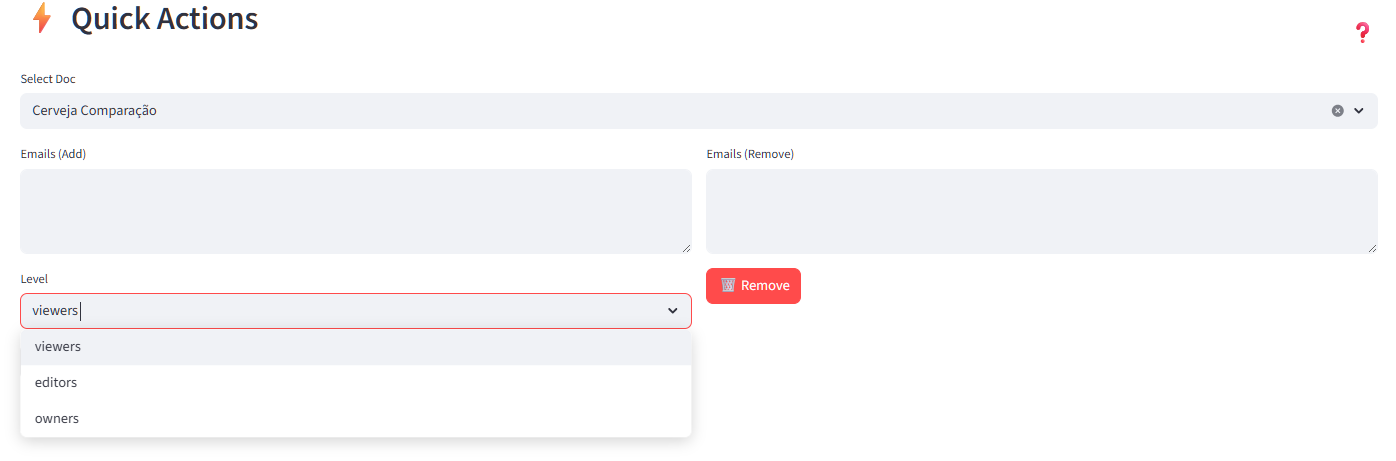
Add Users: Quickly invite multiple emails to a document with a specific role.
Remove Users: Batch revoke access for a list of emails.

:shield: Access Rules (ACL)
Advanced management of granular Grist Access Control Lists.

View: See denormalized rules for a specific document.
Edit: Apply new rules using a JSON structure. Includes automatic backup before applying changes.
:building_construction: Data Engineering

:building_construction: Table Cloner
Copy table structures (schemas) between documents without moving data.

Useful for creating “templates” or syncing structures across environments.

:delivery_truck: Data Transporter
Advanced tool to move tables and records between documents while maintaining integrity.

Phase 1 (Structure): Creates tables and columns. Handles circular references by creating columns as “Any” first.
Phase 2 (Data): Transfers all records.
Phase 3 (Formulas): Restores visible columns, display columns, and re-activates formulas.
:balance_scale: Integrity Audit
Compares data stored in tables (e.g., an “Access Control” table) with actual Grist permissions.

Identifies “Missing” users (in data but not in Grist) and “Orphan” users (in Grist but not in your control table).
Provides buttons to “Grant” or “Remove” access to sync the state.

:hammer_and_wrench: Blueprint (JSON)
Infrastructure as Code for Grist.

New Doc: Create a document from scratch.
Apply Structure: Apply a full schema from a JSON blueprint. Supports full document overwrite.

:inbox_tray: Populate with AI
Helper to fill tables using LLM-generated data.

Generate a JSON template for your tables to use as a prompt for ChatGPT/Claude.
Paste the AI response back to populate records instantly.
:gear: System

:bar_chart: Limits & Usage
Monitor document health and resource usage.

Scan Limits: Checks row counts and SQLite file sizes against standard Grist limits.
Helps identify documents that need optimization or history clearing.

2 Likes
  1. Download the GristAdminToolkit_v1.0.zip attached below.

  2. Unzip it to a folder on your computer.

  3. Double-click run_toolkit.bat.

    • The script will automatically set up Python, the virtual environment, and all necessary libraries for you.
2 Likes

:rocket: Version 1.1 - AI-Assisted Workflows & Critical Fixes

This release focuses on bridging the gap between Grist and AI, making it easier to refactor complex rules and
structures using LLMs (like ChatGPT or Gemini), while fixing critical bugs in Access Management.

:shield: Access Rules (ACL) Improvements

  • AI-Assisted Editing: Added a new “:magic_wand: Generate JSON (for AI)” button in the ACL Edit tab. It exports your current
    rules into a clean JSON format that you can feed to an AI for complex modifications.
  • Critical Fix: Resolved a TypeError that prevented Access Rules from loading or being edited in certain document
    configurations.

:building_construction: Data Engineering & AI

  • Enhanced AI Templates: The “Populate with AI” feature is now smarter. It now automatically fetches real sample
    records from your tables to include in the JSON template, giving the AI much-needed context on your data format.
  • Blueprint AI Extraction: Added a “:magic_wand: Generate JSON (for AI)” button to the Blueprint tab. You can now extract the
    entire structure of a document into a JSON schema to refactor or clone it with AI assistance.

:balance_scale: Integrity Audit

  • Stability Fix: Fixed a crash in the Integrity Audit tab when crossing data with Grist permissions.
  • Improved Mapping: Refined the logic for identifying “Orphan” vs “Missing” users.

:globe_showing_europe_africa: Localization (i18n) & UI

  • Full Portuguese Help: The comprehensive help guide (Help Tab) has been fully translated into Portuguese.
  • Deep Linking: Improved help icons across all tabs that link directly to the relevant documentation section.
  • Version Tracking: Sidebar now correctly identifies the running version as v1.1.

:package: Installation

  1. Download the grist_admin_toolkit_v1.1.zip below.
  2. Extract to your toolkit folder.
  3. Run via run_toolkit.bat.

https://github.com/RogerPenna/grist-admin-toolkit/releases/tag/v1.1

Mapping Tab.

Table with list of documents and users in an Organization. All columns are filterable. You can also drag columns and change their order. Lets see all documents where user PixelFinal is included.

oh, he is a single document. Lets select him. Now OPERATIONS fields opened below. COPY or UPDATE

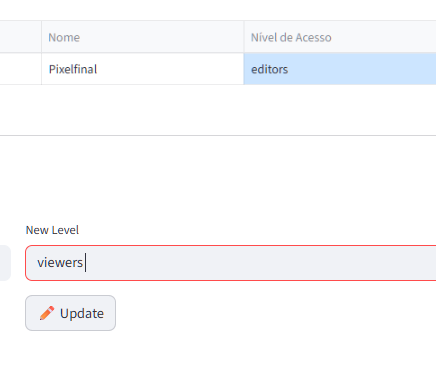
lets update him from Editor to Viewer (notice that you can BATCH change the Level of multiple users with this, in multiple documents. It all depends on the table rows you selected

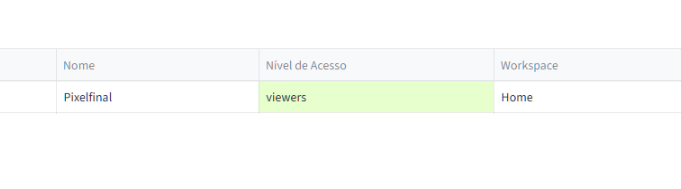
You have to click mapping again, but there you have it… selected row was changed from Editor to Viewer

Now I will copy the user to another document.

done. User (and access level) copied to a new doc.

again, this can be done with multiple users at the same time

QUICK ACTIONS tab objetive is to work with LISTS of EMAILS.

You select a doc, paste a list of emails to ADD or REMOVE, the LEVEL (for adding) and that’s it

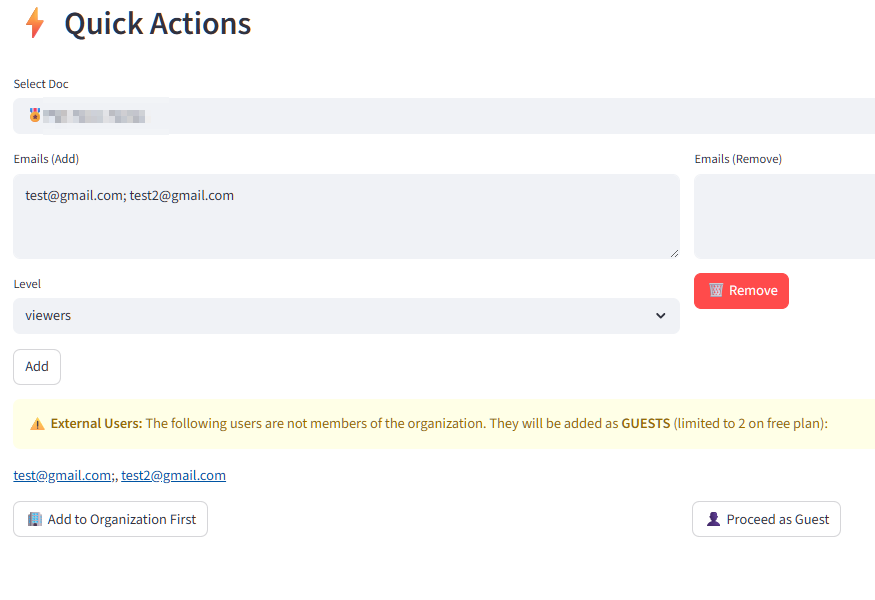
Just noticed a flaw in the logic of Quick Actions, You could add users in batch, but not to organization. Only to document. If users were not in organization, it would add them as guests…

Fixed that. Now in the GLOBAL Tab (which lists all users in the organization), you can add users to ORGANIZATION.

Then in QUICK Actions, if you input an email list, it will warn you of all emails that are NOT part of the Organization., and give you the option to add to organization first or add as guests