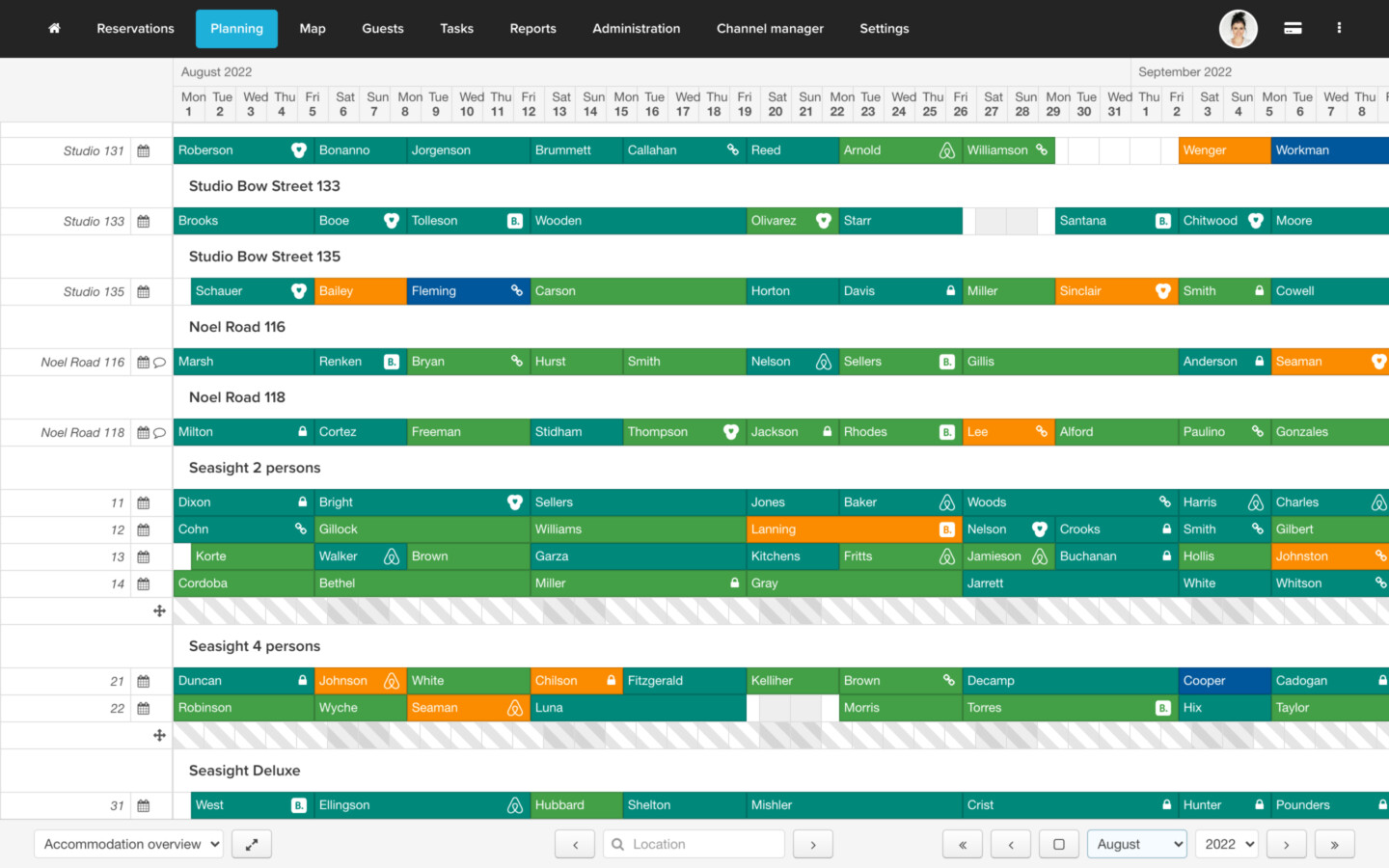
I´m in the process of transferring many fragmented Excel-Sheets in one database. Most elements, like general event participation, budgeting or invoice tracking, worked out quite well. Data flows nicely and time savings are noticeable.
One part is still part of a separate workflow though: booking plans.
For some of our events we rent out mobile “pop-up-stores” (little wooden huts actually) that participants can book to sell their stuff out of during the event.
At the moment we create our Excel-Sheet per event and it looks something like this:
Pop-Up-Stores
Weekend 1
Weekend 2
Weekend 3
Store 1
Participant 1
Participant 1
Participant 1
Store 2
Participant 5
VACANT
Participant 5
Store 3
Participant 2
Participant 2
Participant 4
We use this plan visually to see vacancies. I would like to move this part of our work into Grist and link the actual participants to a table of stores and the respective events. The idea is to create a more universal approach to bookings without the need to create a new plan for each event.
So far, this just resulted in a very long list but it loses the visual practicality of quickly seeing gaps in the table.
Events
Weekend
Store
Participant
Event A
Weekend 1
Store 1
Participant 1
Event A
Weekend 1
Store 2
Participant 5
Event A
Weekend 1
Store 3
Participant 2
Event A
Weekend 2
Store 1
Participant 1
Event A
Weekend 2
Store 2
VACANT
Event A
Weekend 2
Store 3
Participant 2
etc
etc
etc
In reality we more than three stores per weekend in the list. I really don´t like my solution so far, because it´s actually less practical than before.
Has anyone worked on a similar project and could share some ideas? Maybe a widget?
I queried your exact post against a compilation of Grist support documents and newsletter issues (via Google’s NotebookLM), and it looks like it provides a pretty specific answer. BUT – without access to your doc I cannot tell for sure.
You could create a view where you filter for “VACANT”.
Or you could conditionally color the cell ( Conditional formatting - Grist Help Center )
so when there is “VACANT” then its green.
Or you could use a green dot like so: “ VACANT”
And/Or you could create a view with an extra table where you can select the “EVENT” then this would filter the other table. Then you would see only the bookings for the selected event.
Conditional formatting does indeed help to make vacant slots more visible. But since its still arranged in a vertical list, its too inefficient for many objects.
One thing that comes very close to a solution would be a kanban widget like this: Release of Ultra Kanban Widget
I already tested it. Basically, each kanban column becomes a time slot and each entry becomes a participant that i can move freely between columns. I can even tag each store for each participant.
Its still not a real booking plan but something we can work with for the time being.
 VACANT”